
More in AI Property Finder settings
PROPELOS PARTNER PORTAL GUIDE
Set Finder contact buttons and privacy wording
Add country-coded call and WhatsApp numbers, choose their buttons, and link your privacy policy with the required consent placeholder.
Self-serve AI Search accounts
In this guide
Give visitors call and WhatsApp buttons, and link the privacy policy used by your contact form.
1. Open Contact and privacy
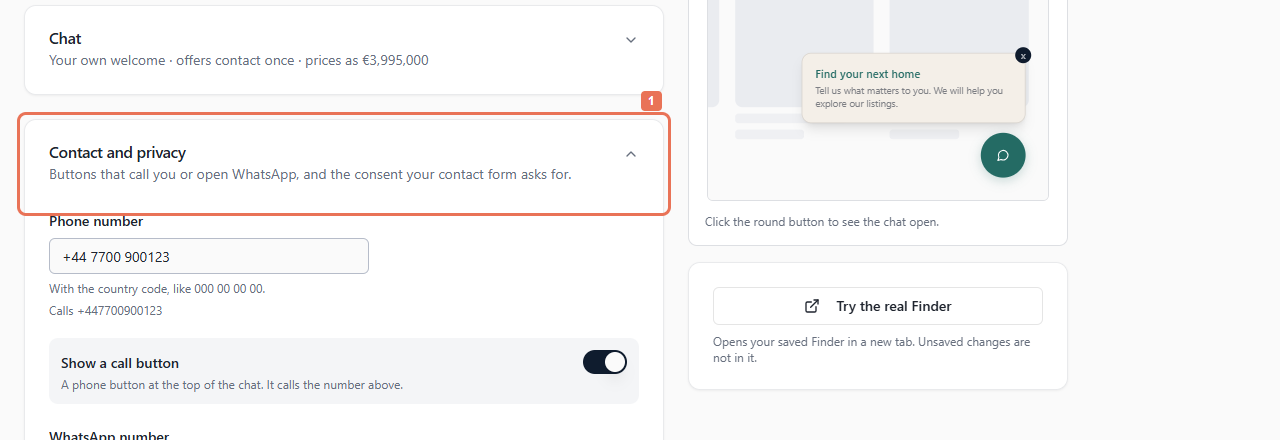
Open Account → Your Finder → Contact and privacy.
 Select the image to view it full size.
2. Add the contact numbers
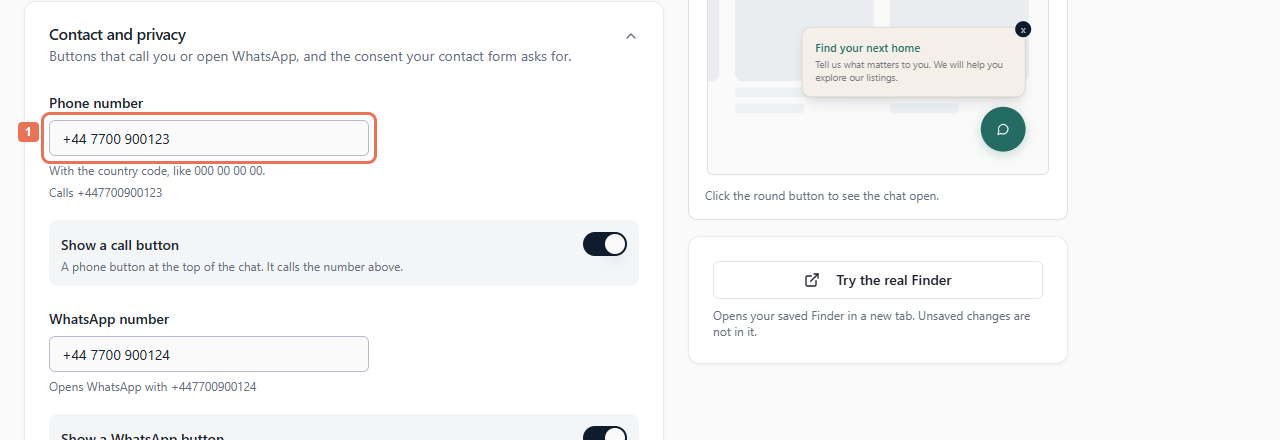
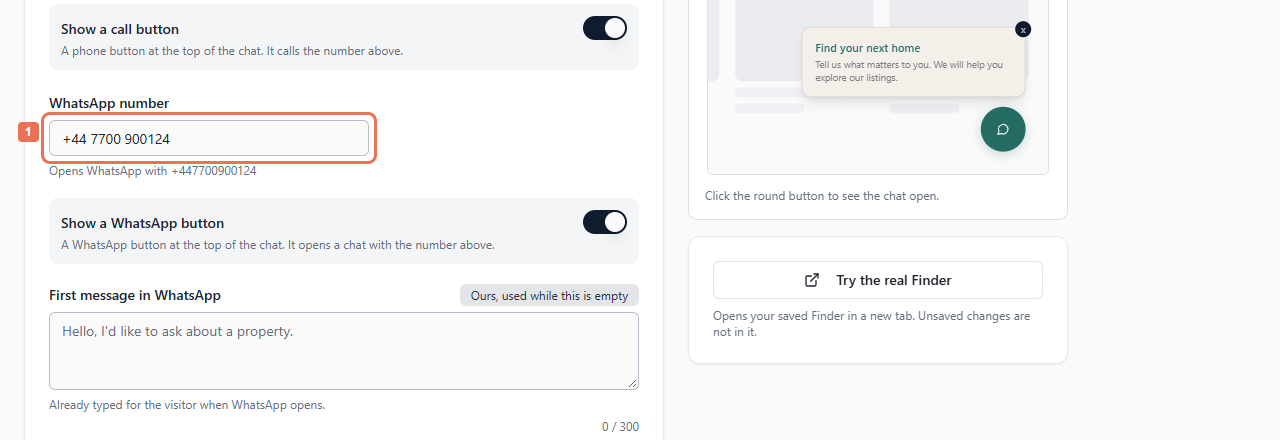
Enter Phone number with its country code, then enable Show a call button. Enter WhatsApp number with its country code, then enable Show a WhatsApp button. Each button needs a usable number; otherwise switch it off.
 Select the image to view it full size.
 Select the image to view it full size.
Choose Texts shown in to edit First message in WhatsApp, up to 300 characters. It is prefilled when WhatsApp opens; saving does not send it.
3. Link the policy and write consent wording
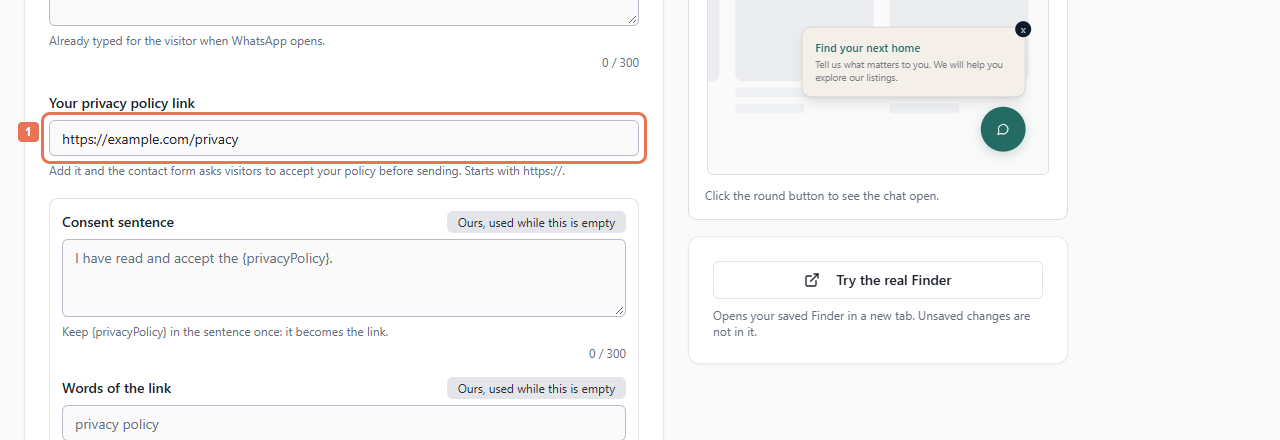
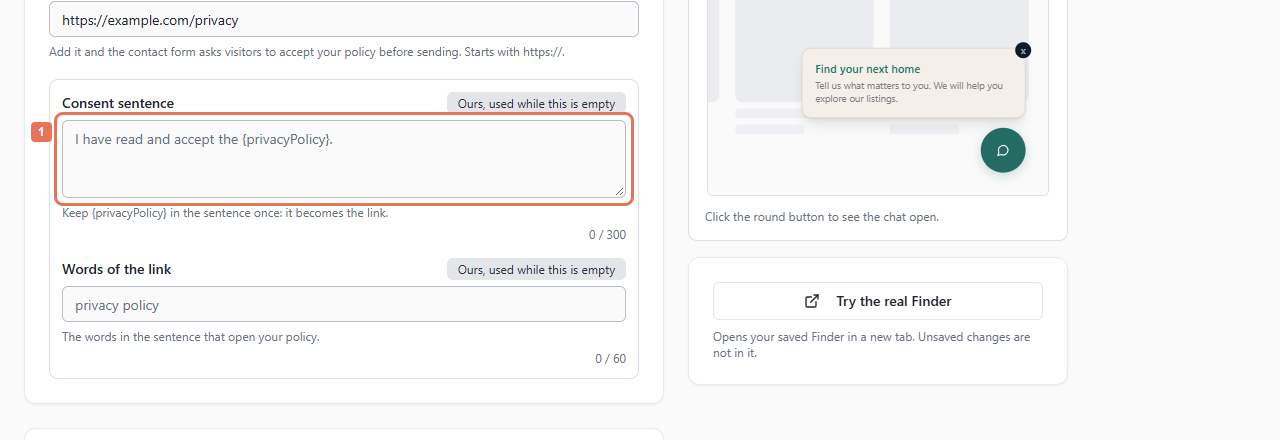
Enter the full HTTPS address in Your privacy policy link. If editing Consent sentence, keep {privacyPolicy} exactly once. Enter clickable wording in Words of the link.
 Select the image to view it full size.
 Select the image to view it full size.
Consent allows 300 characters and link words 60. These words are used when a policy link is set. Empty supported custom fields use the default/automatic version.
4. Save and test
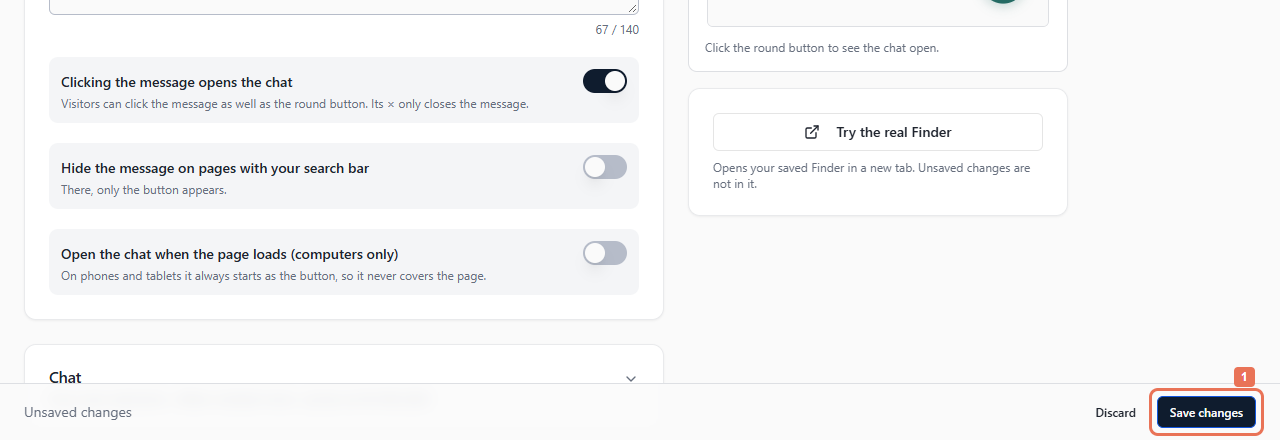
Select Save changes, then test the saved Finder's buttons and contact form. Allow up to five minutes. A linked policy makes the form ask for acceptance before sending.
 Select the image to view it full size.
Numbers, switches and policy URL apply across languages; message and consent words follow the language version. Review Needs fixing in every language. Call/WhatsApp taps do not themselves create lead records.