
More in AI Search analytics
PROPELOS PARTNER PORTAL GUIDE
Read a lead and its conversation
Search captured leads and open their contact details, preferences, property interests and saved chat.
Accounts with AI Search
In this guide
Open a captured enquiry to see the visitor's details, preferences and saved conversation before following up.
1. Find the enquiry
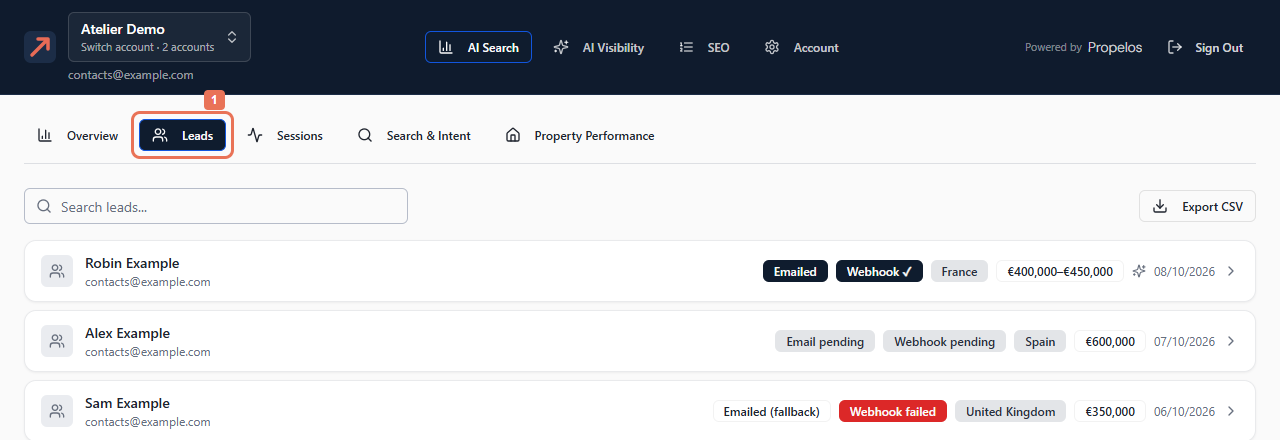
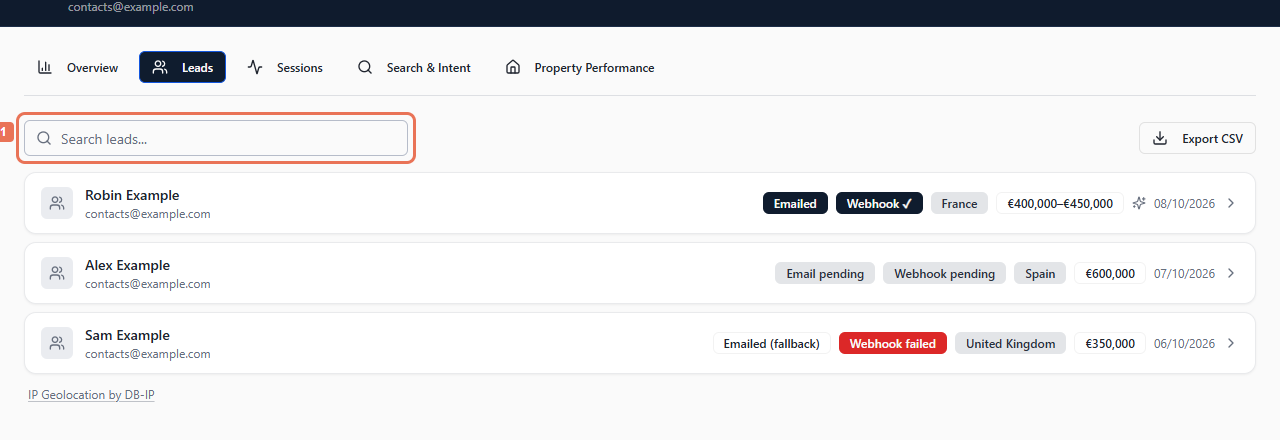
Open AI Search → Leads. Enter a name, email, phone number, country or preferred area in Search leads.... Clear the field to restore the list.
 Select the image to view it full size.
 Select the image to view it full size.
2. Open the lead
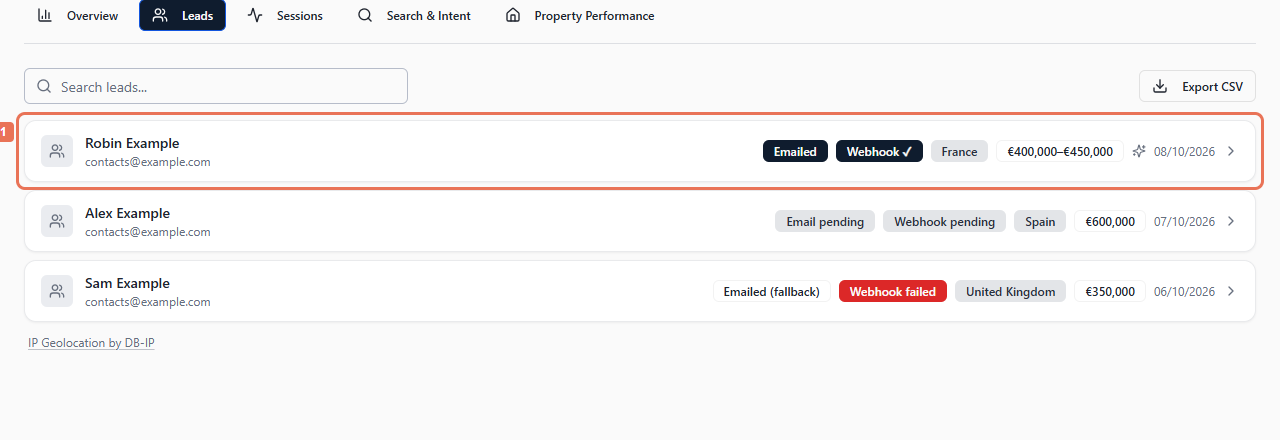
Select the lead card. Review Contact Details, any AI Summary and Preferences. Email and phone links open your email or calling application.
 Select the image to view it full size.
3. Read the saved conversation
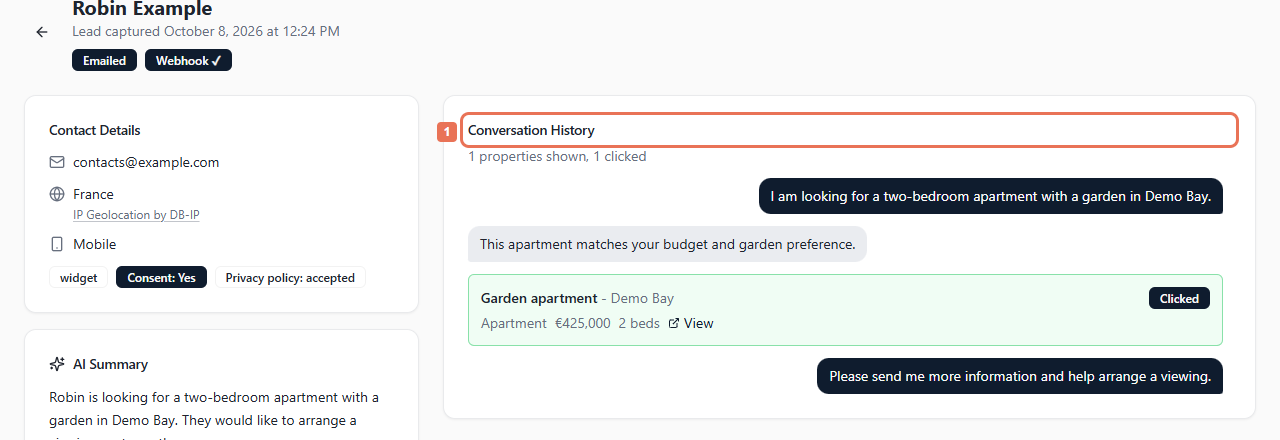
Scroll to Conversation History. Its header counts properties shown and clicked. Clicked identifies an opened property; View opens its saved link when available. Use the back arrow to return to the list.
 Select the image to view it full size.
Confirm important preferences against the conversation. Some enquiries have incomplete preferences or No conversation recorded; anonymous sessions do not all have transcripts.
Consent: Yes/No records marketing consent. Privacy policy: accepted records privacy acceptance, which does not imply marketing consent.
The analytics date range does not filter this list. Direct call and WhatsApp taps appear in Overview → Direct Contact. Export CSV exports the account's leads independently of the search box.