
More in AI Property Finder settings
PROPELOS PARTNER PORTAL GUIDE
Check listing sources and missing page links
Check listing imports and page matches, understand missing-link reasons, and see how homes without a website page open in the Finder.
Self-serve AI Search accounts
In this guide
Check whether your listing sources are up to date and which homes have pages on your website.
1. Open Listings
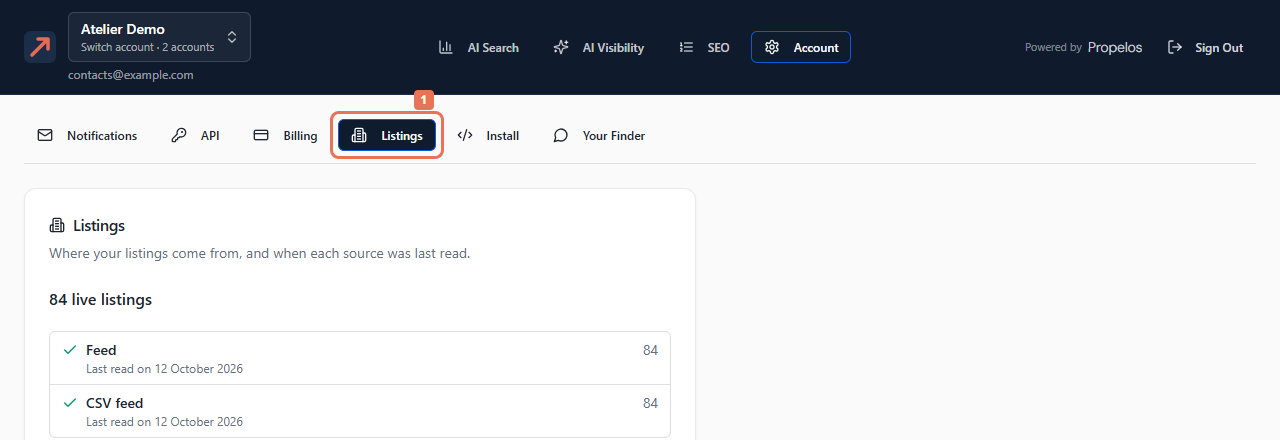
Open Account → Listings and read the live listings total.
 Select the image to view it full size.
2. Review the sources
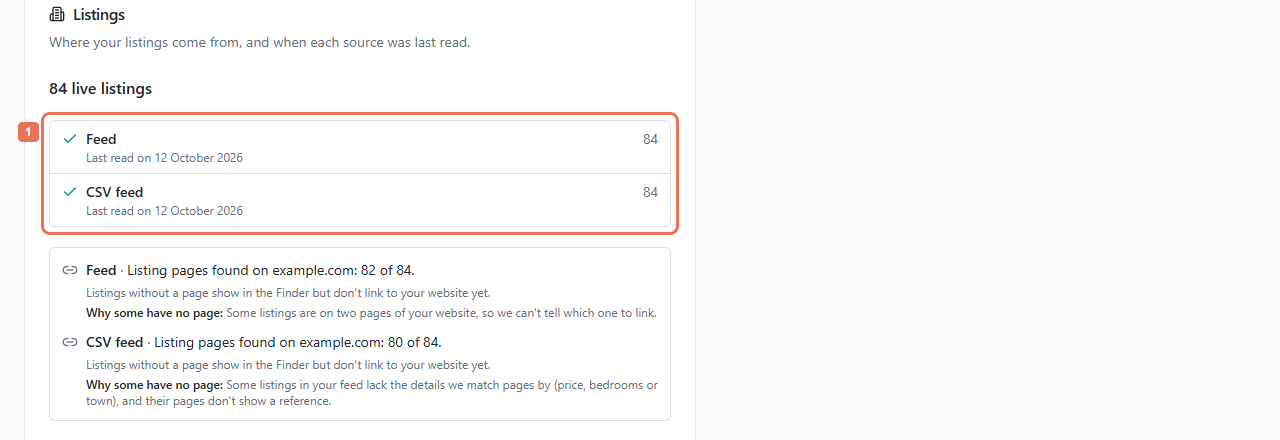
Read each source's count and Last read on date or Not read yet. A warning shows a failed source; a spinner means work continues.
 Select the image to view it full size.
Correct inaccurate property facts in the source system. Contact Propelos for a stale or failed connection. This page does not edit properties or offer manual sync, source editing or deletion.
3. Read the page-match explanation
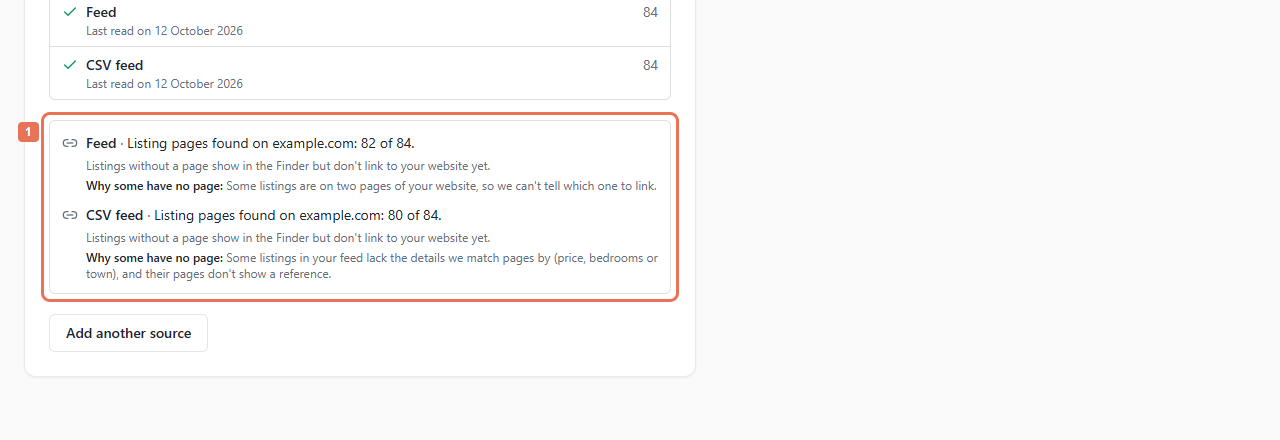
Below the sources, read Listing pages found on… and Why some have no page. Follow the action for the displayed reason.
 Select the image to view it full size.
A linked count means a home has a page in at least one language. It does not promise one in every language version. The Finder uses the relevant language's own-website page, rather than substituting another language or a public portal page.
Publish missing homes on your website. For duplicate pages or homes with identical price, bedrooms and town, add a clear reference or distinguishing facts. For missing details, correct the source. If the website moved, update Account → Install → Your website.
For blocked, failing or unreadable pages, follow the notice with your website maintainer; a working home page does not prove property pages are readable. Still reading pages and temporary reader delays explain when another attempt follows a listings update.
Homes without an own-website page remain in Finder results and always open their photos, details and contact form inside the Finder. Open homes in a window over your page changes only homes that already have a page. For searches across agencies, a home still needs its own property page.