
More in AI Property Finder settings
PROPELOS PARTNER PORTAL GUIDE
Give the Finder agency instructions
Write short agency preferences for every language, use links to your own website and understand the daily change limit.
Self-serve AI Search accounts
In this guide
Give the Finder short preferences for your agency's service and tone.
1. Find the instructions field
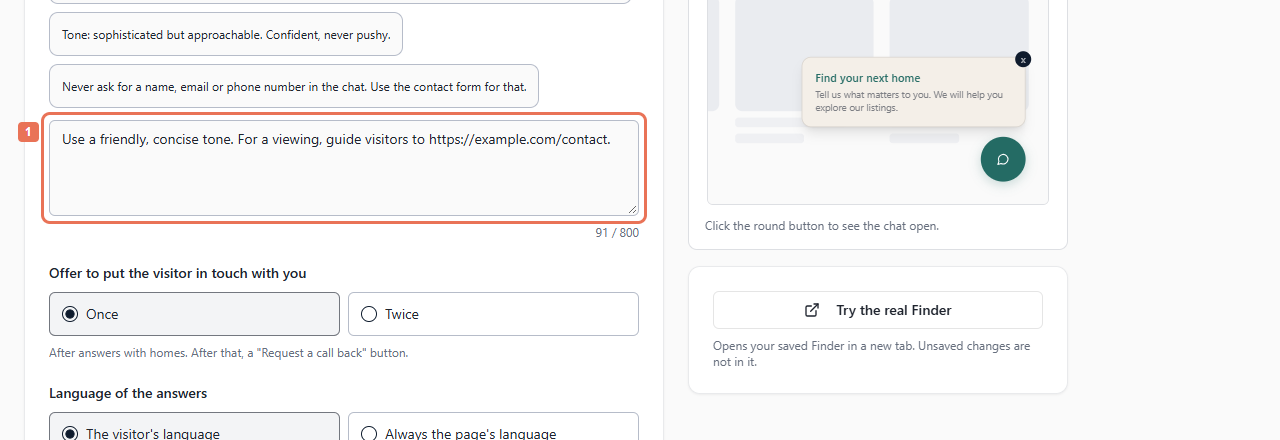
Open Account → Your Finder → Chat and scroll to Instructions for your Finder.
 Select the image to view it full size.
2. Write your preferences
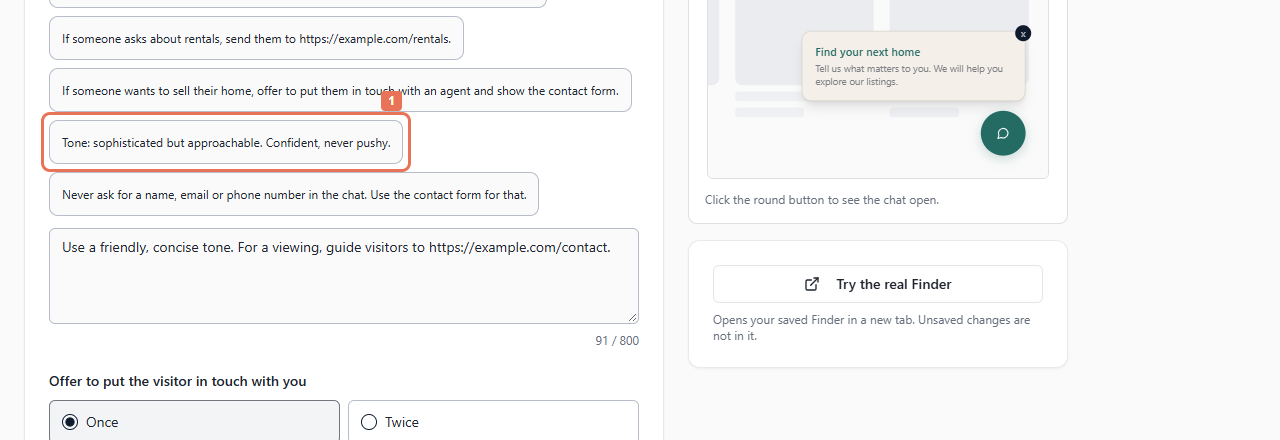
Write up to 800 characters, or select an example and adapt it. For example: “Use a friendly, concise tone. If someone wants to sell their home, offer to put them in touch with our team.”
 Select the image to view it full size.
Use links on your own saved website or allowed subdomains. Resolve any validation message before saving. Instructions guide service/tone across languages; they cannot change listing facts or override how the Finder works.
3. Save the instructions
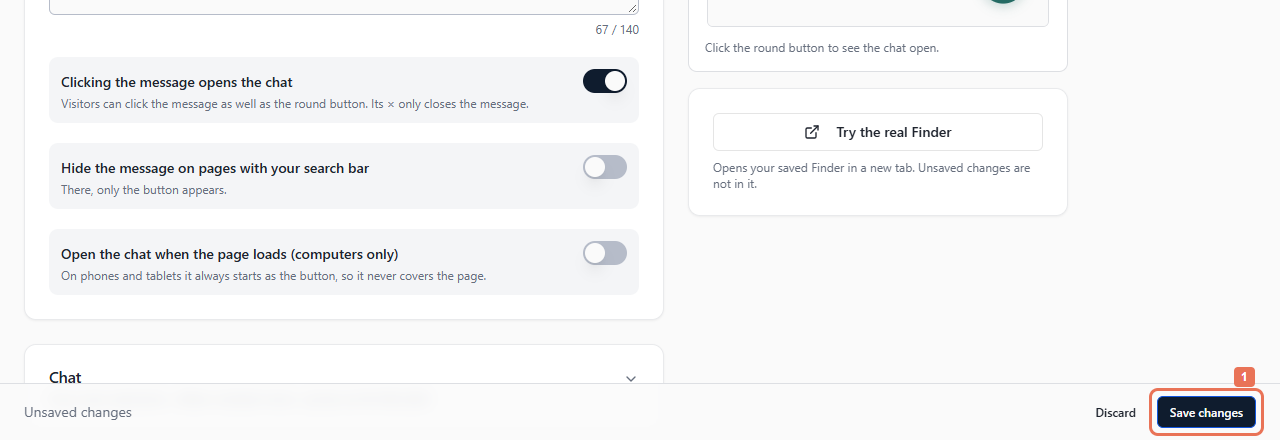
Select Save changes. You can make five changes per account per UTC day; saving identical text does not count. Follow the limit message and try the next day if needed.
 Select the image to view it full size.
UTC midnight may differ from local midnight. If Propelos has written separate instructions for a language, those instructions take precedence; contact Propelos to change them.
4. Test the saved answers
Allow a few minutes, then use Try the real Finder with a realistic question. The settings preview uses a sample answer and cannot test instruction-following.
 Select the image to view it full size.