
More in AI Property Finder settings
PROPELOS PARTNER PORTAL GUIDE
Import listings from your own website
Scan an eligible website, prove access and review listing samples before importing when this route is available.
Self-serve AI Search accounts with website scanning enabled
In this guide
Import homes from your own website when My website scanning is offered. If it says Talk to us, ask Propelos to help with the connection.
1. Scan your website
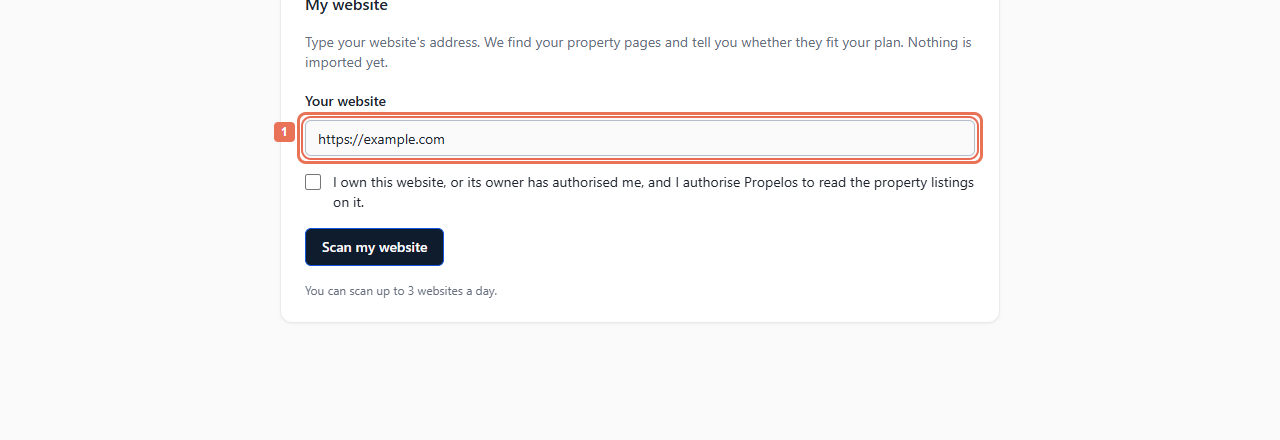
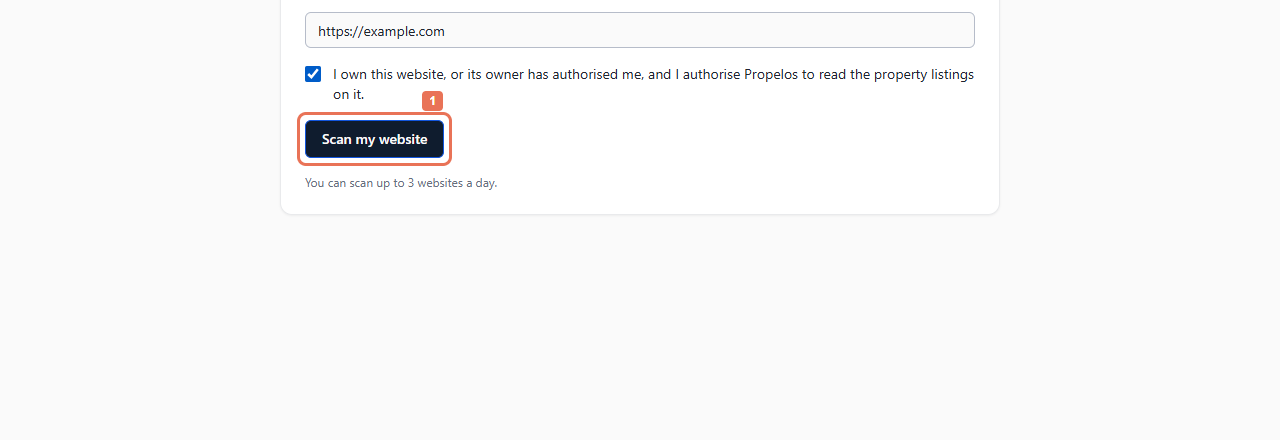
In setup, open Your listings → My website. Enter Your website, tick the ownership/authorization statement, then select Scan my website.
 Select the image to view it full size.
 Select the image to view it full size.
Review the page count, plan guidance and any final redirected address. This scan does not import homes.
2. Prove access to the website
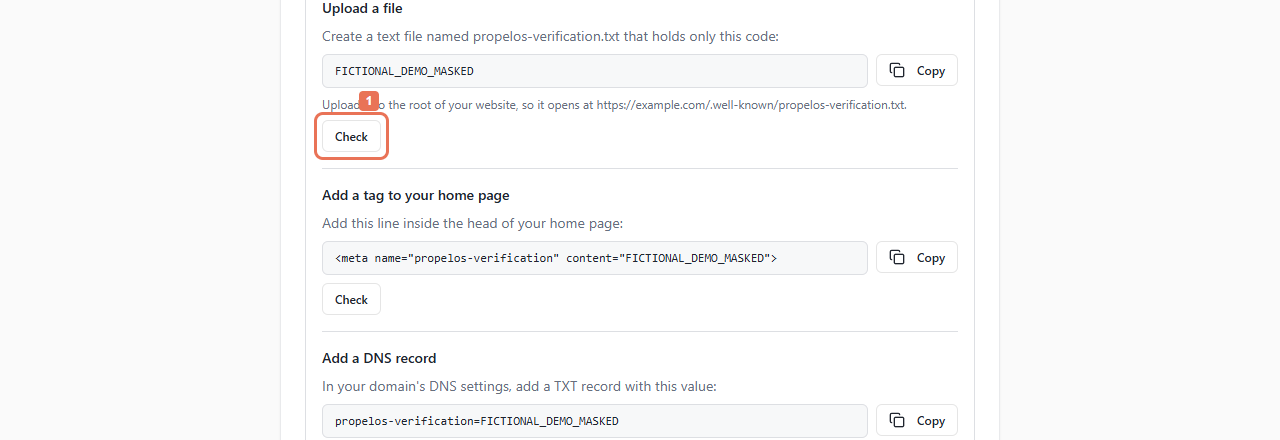
Under Show us the website is yours, follow an offered method: upload a file, add a home-page tag or add a DNS record. Copy the exact displayed value, publish it in the stated place, then select that method's Check.
 Select the image to view it full size.
A matching sign-in email domain may verify automatically. DNS changes can take a few hours.
3. Read and review samples
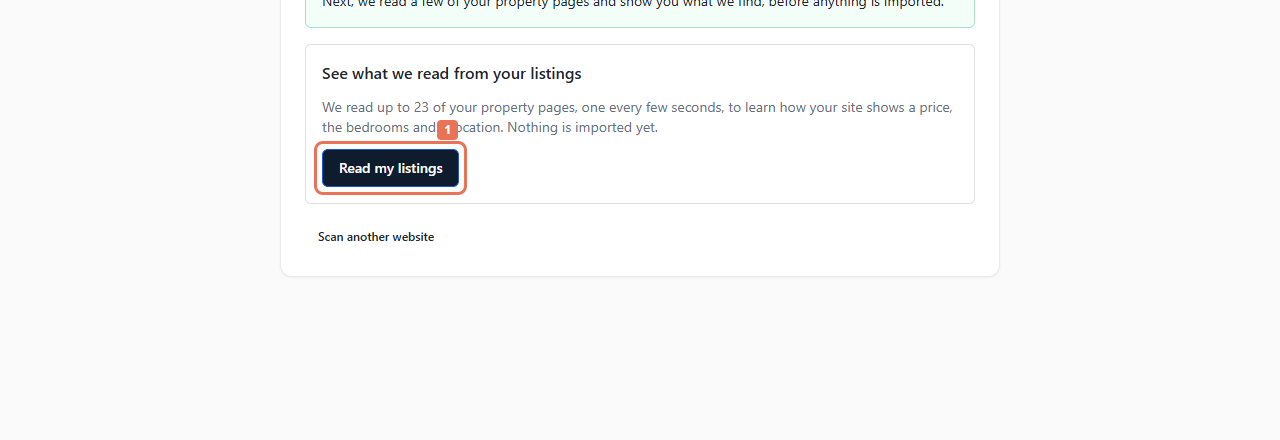
Once verified, select Read my listings. Wait for the checks, then review What we read from three of your listings, including missing fields and how values were read.
 Select the image to view it full size.
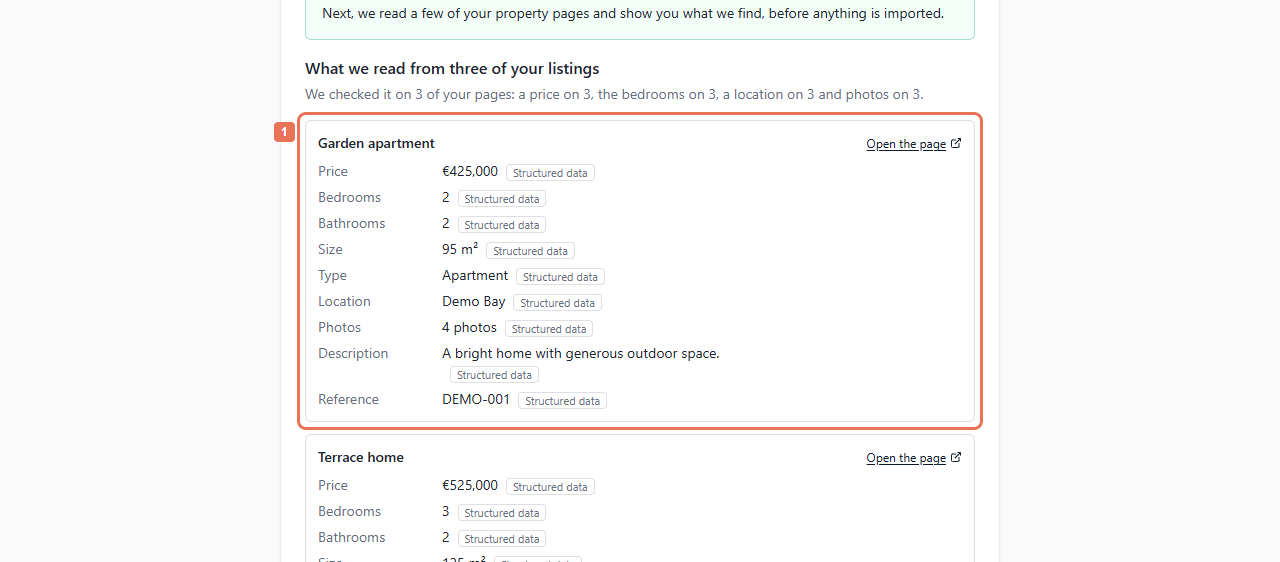 Select the image to view it full size.
4. Import the homes
If the samples are correct and accepted, select Import my listings. Follow the import progress and continue to Try it when ready.
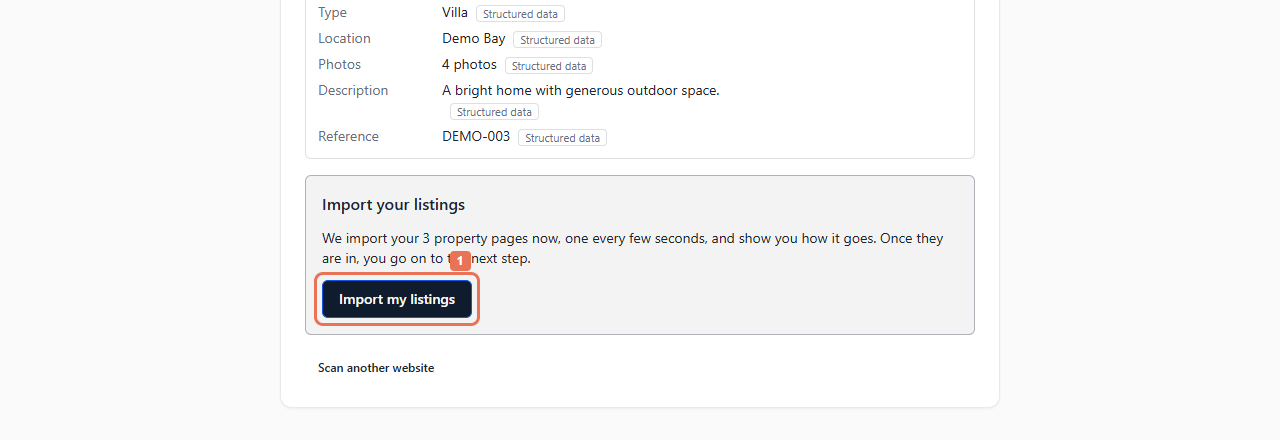 Select the image to view it full size.
The site becomes a connected source after this import action. Access rules or incomplete property facts can prevent reliable reading; use the offered feed, CRM or assistance route. Shared catalogues and very large sites may need a feed/CRM to distinguish your homes. Follow the on-screen limits and retry availability.