
More in AI Search analytics
PROPELOS PARTNER PORTAL GUIDE
Compare property search performance
Review impressions, clicks, leads and properties that receive exposure without engagement.
Accounts with AI Search
In this guide
Use Property Performance to compare how often homes appear, receive clicks and contribute to enquiries.
1. Open the report and choose dates
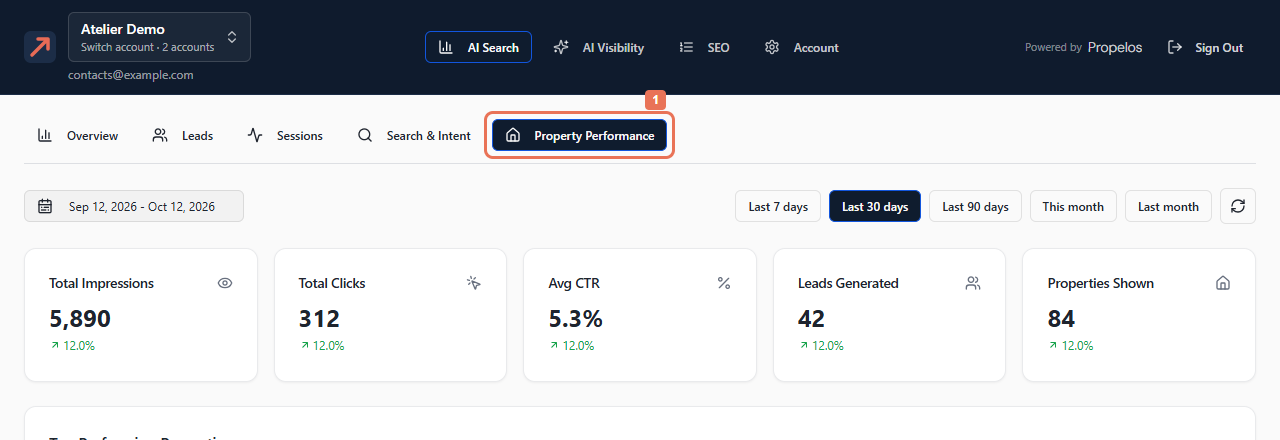
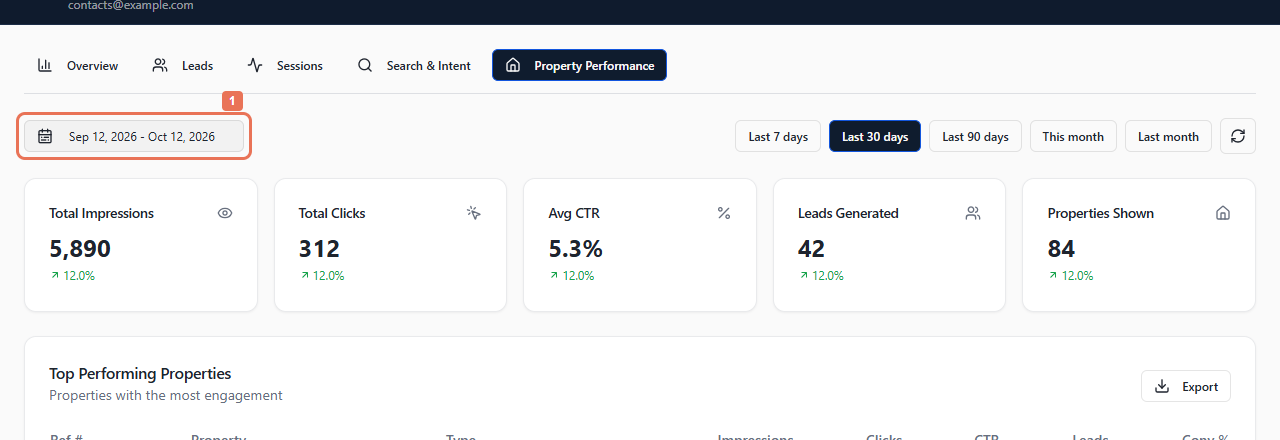
Open AI Search → Property Performance and choose your reporting period.
 Select the image to view it full size.
 Select the image to view it full size.
2. Compare the property rows
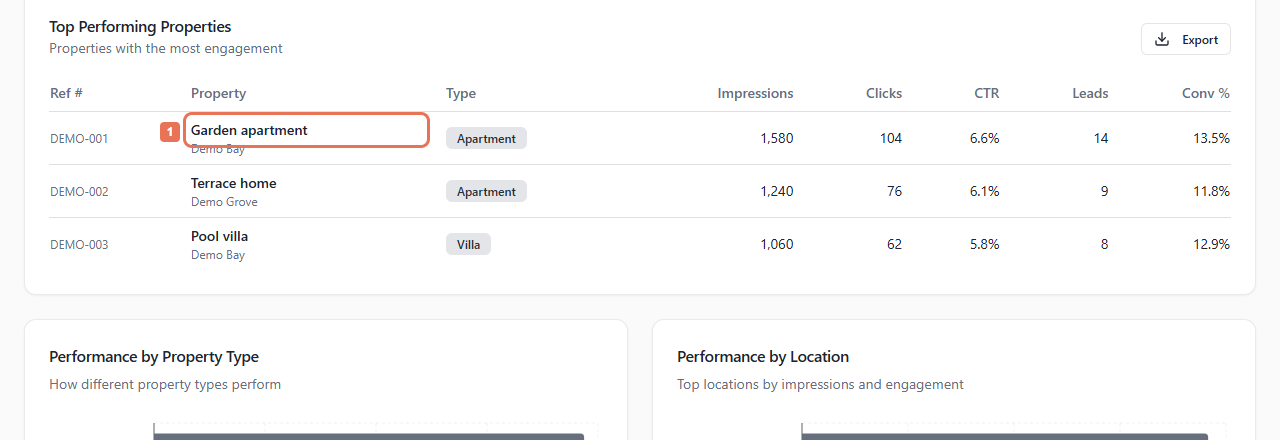
Read the totals, then Top Performing Properties. Compare Ref #, Impressions, Clicks, CTR, Leads and Conv %. Select a linked property title to inspect its website page.
 Select the image to view it full size.
An impression means the home appeared in results. CTR compares clicks with impressions; enquiries do not establish completed sales. Titles without links do not open a page from this table.
3. Review gaps and download the table
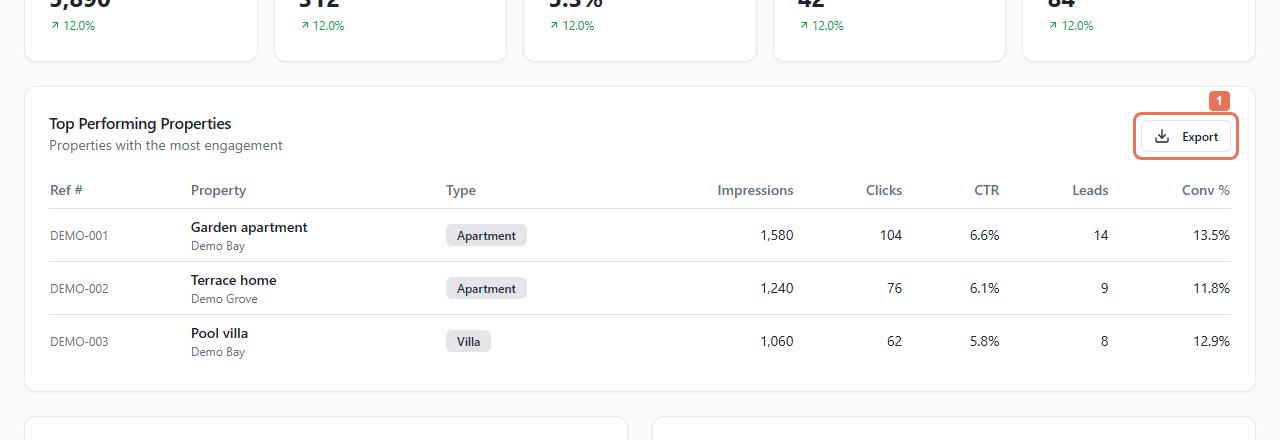
Compare Performance by Property Type and Performance by Location. The underperforming card identifies homes shown at least three times without a click. Select Export in the top-properties card to download its loaded data.
 Select the image to view it full size.
The table shows up to 20 rows; its export can include more. Compare counts as well as percentages when exposure is low. Correct prices, photos and descriptions in the source supplying your listings, or ask Propelos if it manages your connection.