
More in Getting started and access
PROPELOS PARTNER PORTAL GUIDE
Resolve missing data or unavailable portal controls
Check account access, reporting dates, Finder validation and saved previews, listing-page reasons and temporary session errors.
Partner Portal accounts
In this guide
Use the visible message and the affected page to find the next useful check.
1. Check access or retry a temporary error
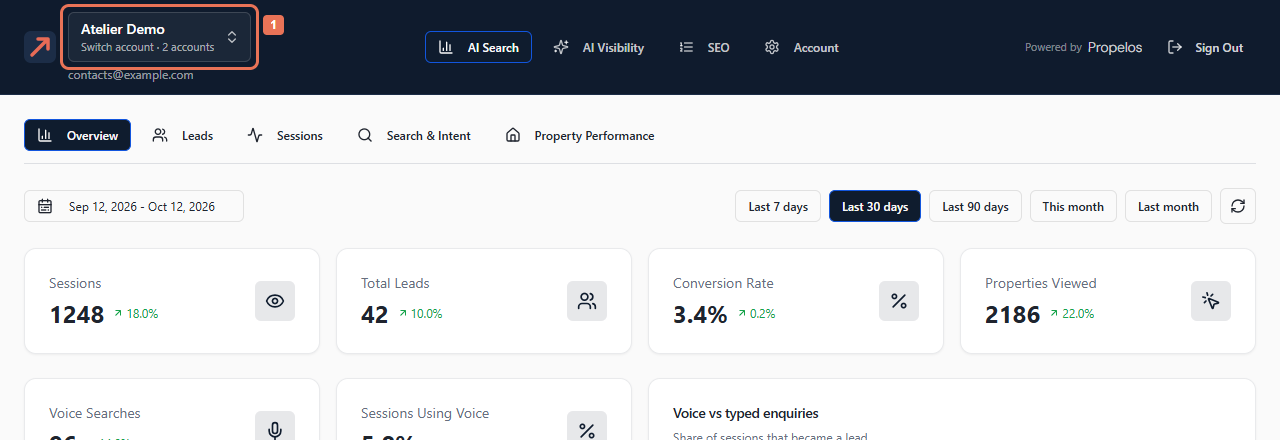
If the wrong organisation opens, use the account menu. If an account is missing, ask Propelos to check the invitation or assignment. For Temporarily unavailable, select Retry; this means the portal could not confirm the session.
 Select the image to view it full size.
 Select the image to view it full size.
If your view may be stale, check your connection and reload. Dismissing the notice does not refresh the session. Read the account name when returning to another browser tab.
2. Check the report selection
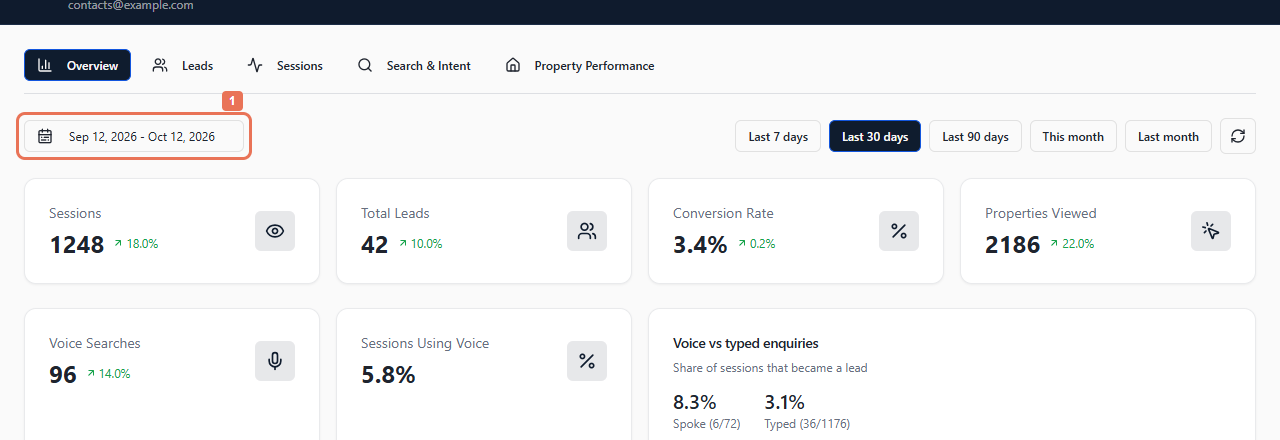
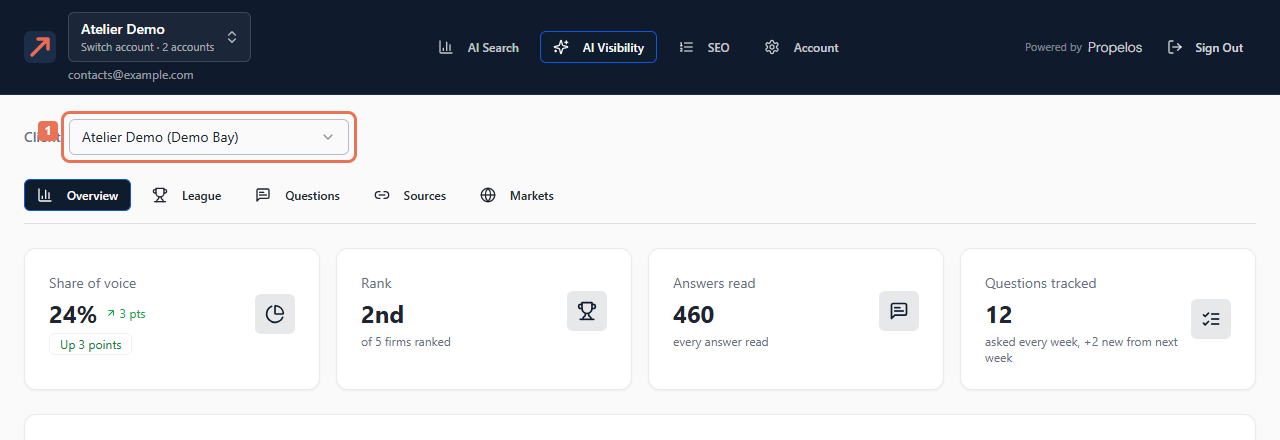
For AI Search, check dates and use the tab's refresh icon. Read Leads separately, because analytics dates do not filter its list. For AI Visibility, check Client, the window and any first-measurement or incomplete-reading notice.
 Select the image to view it full size.
 Select the image to view it full size.
SEO depends on the selected place/device. After a failed filter request, Retry before reading dimmed old figures.
3. Resolve Finder saving or display problems
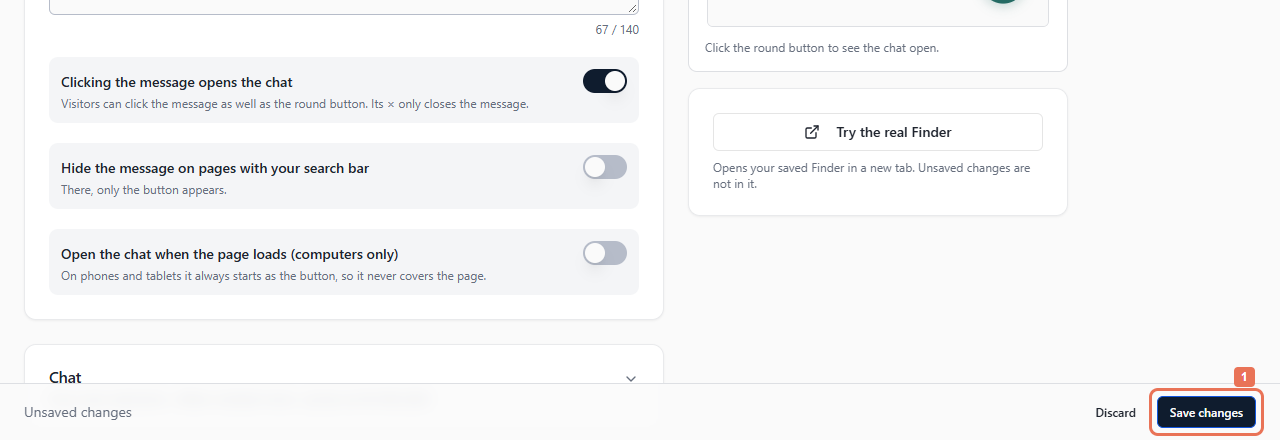
Open every group/language version marked Needs fixing. Saving includes all edits. Follow field limits, required placeholders, whole-number pixels and HTTPS requirements. For conflicting changes or a removed language, Reload and review remaining edits. A paused Finder cannot save; open Billing.
 Select the image to view it full size.
Allow up to five minutes for saved changes to appear. Preview includes unsaved edits and sample answers/homes; Try the real Finder uses saved settings. Failed automatic translations still allow custom editing.
4. Check listing or delivery status
For missing homes/page links, read Account → Listings and its reason. Homes without an own-website page still appear and open inside the Finder; a linked count means at least one language has a page.
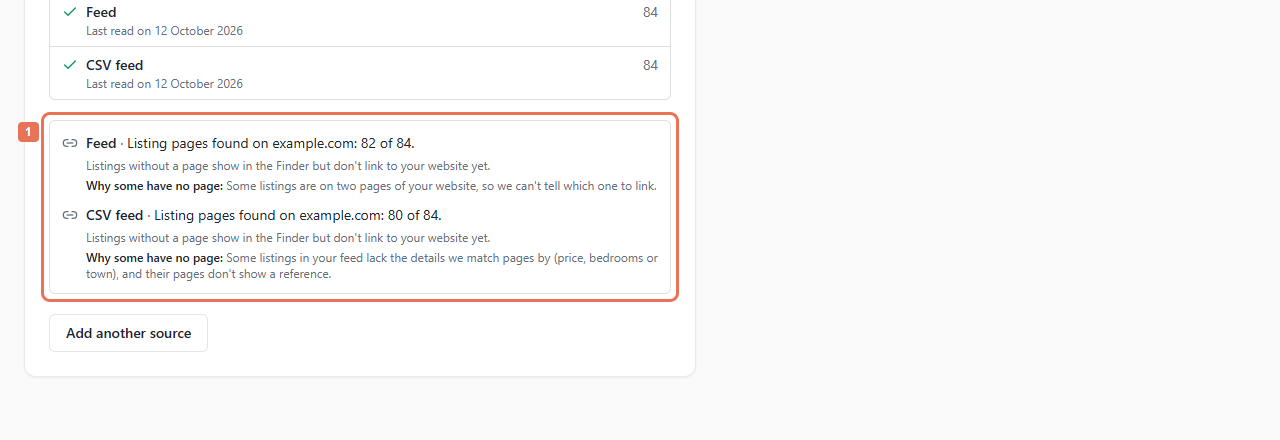 Select the image to view it full size.
For delivery, read the lead badge and use Account → API → Recent deliveries to retry a failed webhook. Correct property facts in their source.
Available products/settings follow the selected account. Self-serve AI Search provides Billing, Listings, Install and Your Finder; managed changes go through Propelos. Read-only views prevent changes and hide secrets. If the issue remains, send Propelos the account, page, time, exact message and steps tried.