
More in Pages and publishing
PROPELOS CMS GUIDE
Edit privacy and cookie-policy text
Update policy wording and check the public policy page and footer link.
Pages → Legal pages, or an existing policy in Pages
In this guide
Keep your website’s privacy and cookie-policy pages up to date with your agency’s approved text.
1. Open the policy
Click Legal pages under Pages, then open the privacy or cookies policy. If Legal pages is absent, find the existing privacy page in Pages instead.
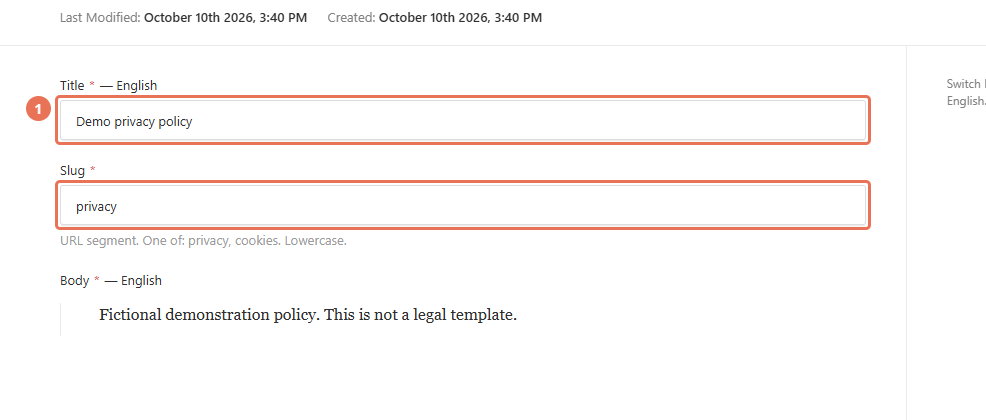 Select the image to view it full size.
2. Choose the policy language
Use the Locale menu at the top right to choose the website language you are editing. Keep the existing Slug so the policy stays at its current address.
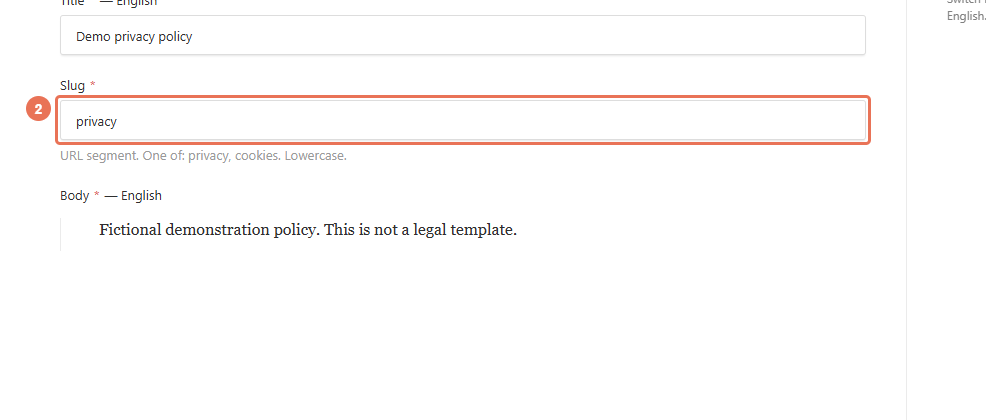 Select the image to view it full size.
3. Replace the policy text
Edit Title and Body using the wording approved for your agency. Review the full text before saving; a machine translation still needs to be checked.
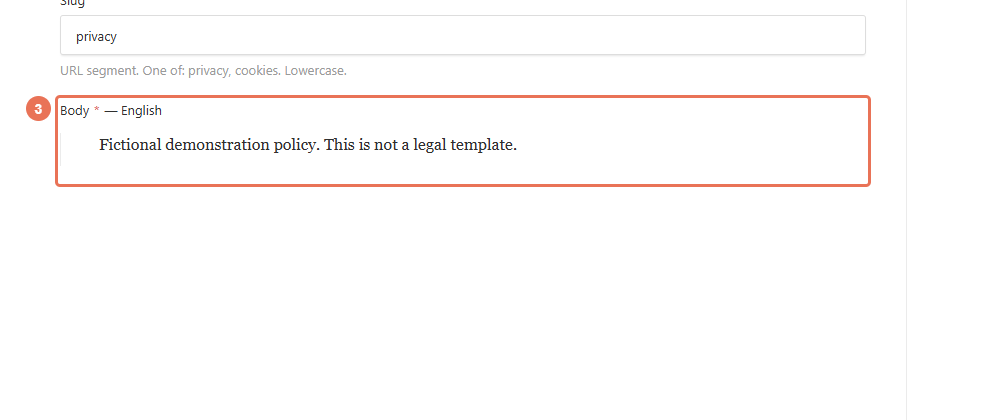 Select the image to view it full size.
4. Save and check the policy
Click Save in Legal pages to update the live text immediately. If the policy is in Pages, click Publish changes when ready; open the policy from the public footer to check it.
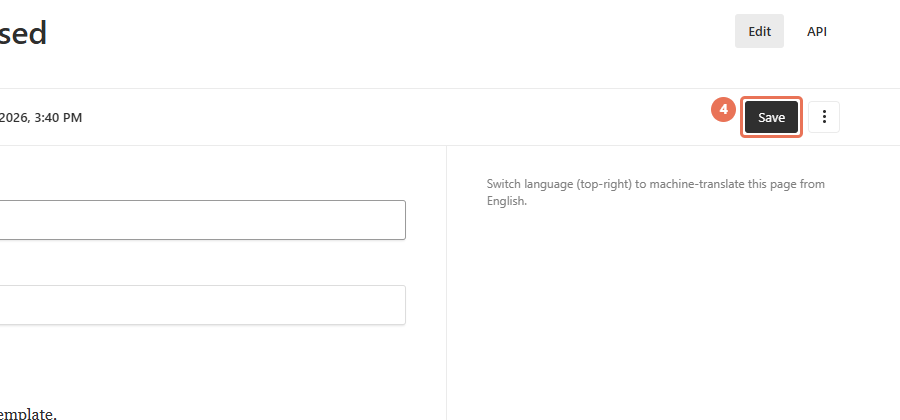 Select the image to view it full size.
Editing these pages does not change your cookie banner or tracking tags. Those controls are in Site settings → Tracking & analytics.