
More in Menus and shared sections
PROPELOS CMS GUIDE
Edit footer text and company details
Update footer wording, registration details, legal links and accreditation marks.
Shared sections → Footer
In this guide
Change the shared text at the bottom of your website. Use Menus → Footer for navigation columns; use Footer for company wording and details.
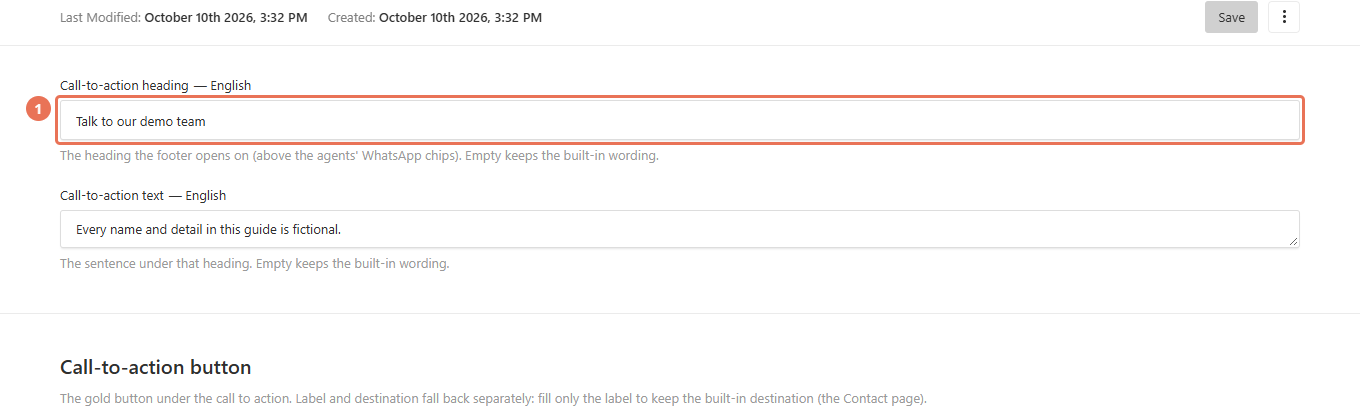
1. Open Footer
Click Footer under Shared sections. Use the Locale menu at the top right to choose the website language you are editing.
 Select the image to view it full size.
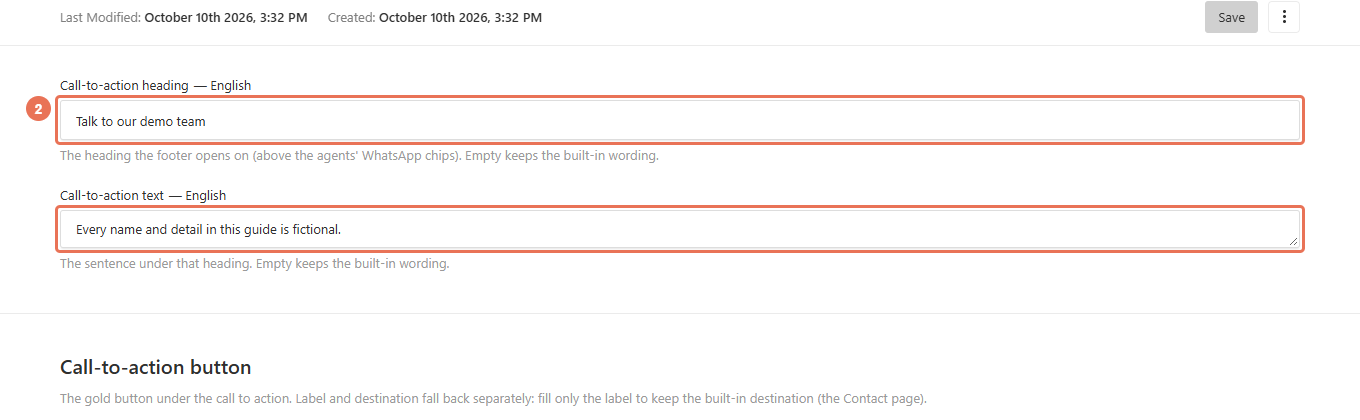
2. Update the footer wording
Edit Call-to-action heading, Call-to-action text and the column headings. If your footer instead shows Office blurb — first paragraph and Office blurb — second paragraph, edit those paragraphs.
 Select the image to view it full size.
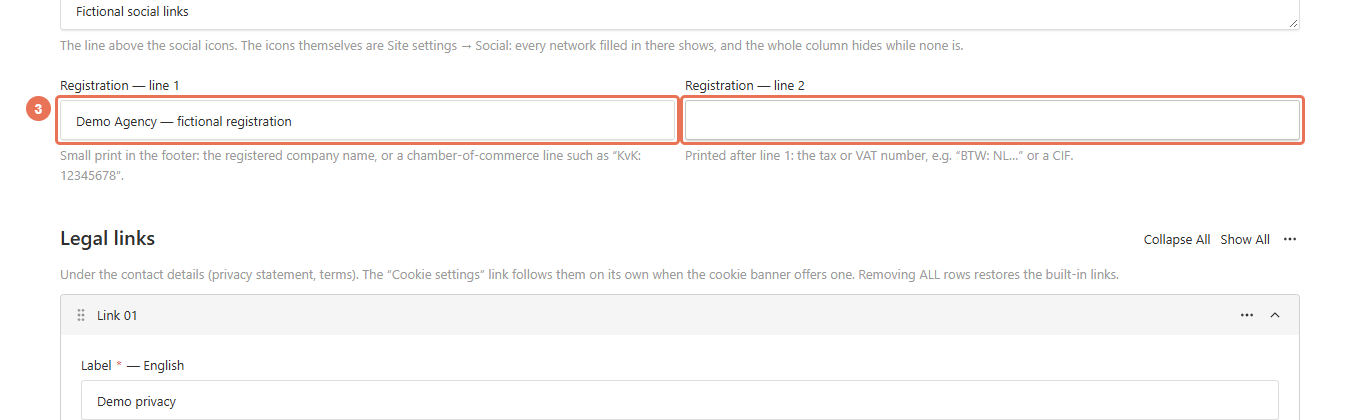
3. Update the company details
Enter your company and registration details in Registration — line 1 and Registration — line 2. In Accreditation marks, use the organisation’s logo and Name only for accreditations your agency holds.
 Select the image to view it full size.
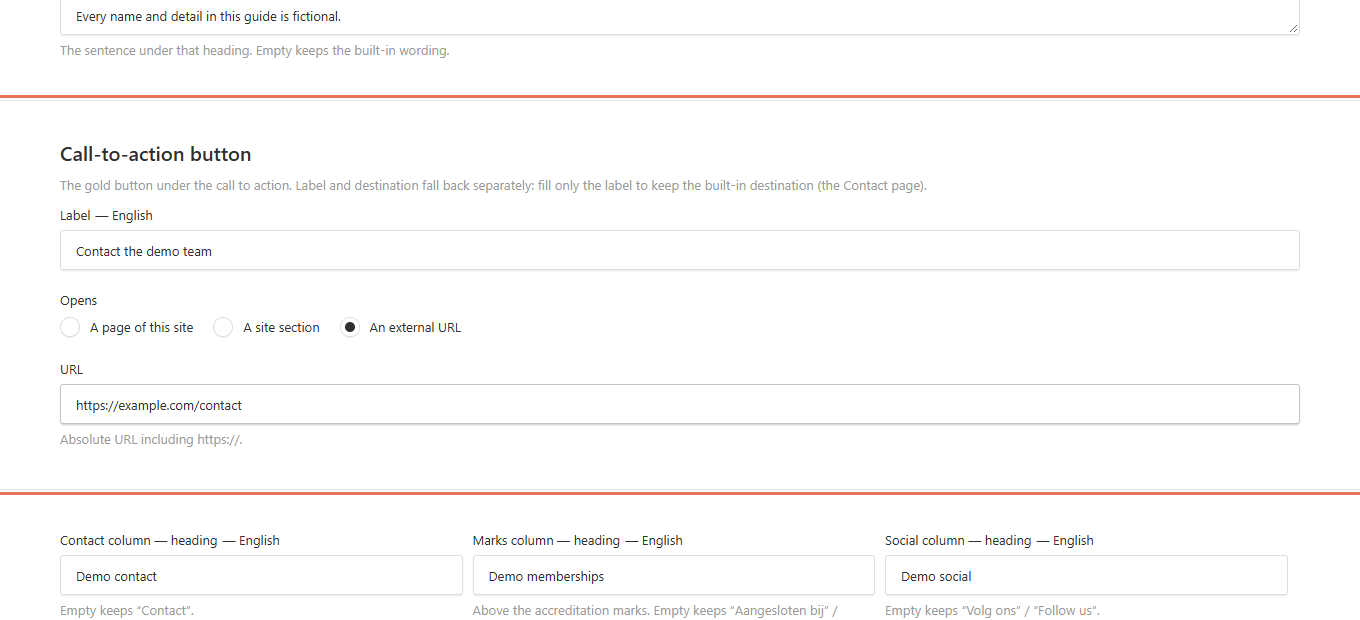
4. Set button and legal links
Expand Call-to-action button or Legal links, then choose Opens and the destination. Use a page or site section for a website link, or a full web address for an external destination.
 Select the image to view it full size.
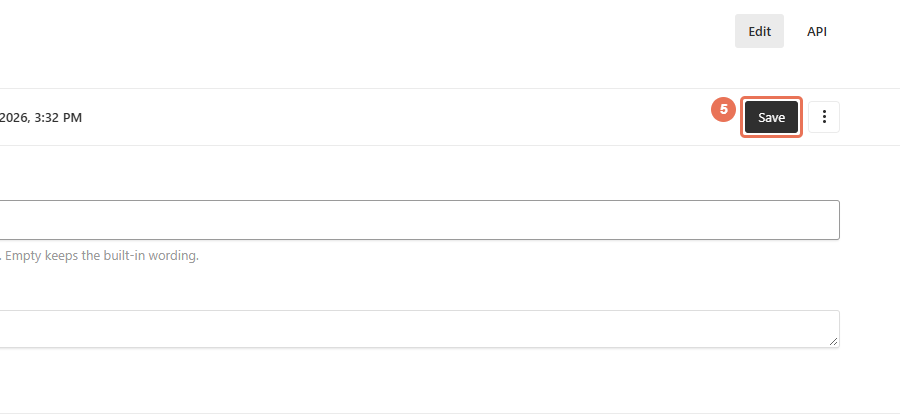
5. Save the footer
Click Save to update the footer across the website immediately. Check the text and links on desktop and phone, then edit other languages as needed.
 Select the image to view it full size.
Public phone, email and address are in Site settings → Contact. Social icons come from Site settings → Social, and agent cards from Agents → Show In Footer. Empty wording, or removing all legal links or accreditation marks, can restore the original content.