
More in AI Search analytics
PROPELOS PARTNER PORTAL GUIDE
Find what buyers search for
Read demand patterns and zero-result searches to identify gaps in your listings.
Accounts with AI Search
In this guide
Use Search & Intent to find common buyer preferences and searches that return no homes.
1. Open the report and choose dates
Open AI Search → Search & Intent. Choose a preset or complete date range.
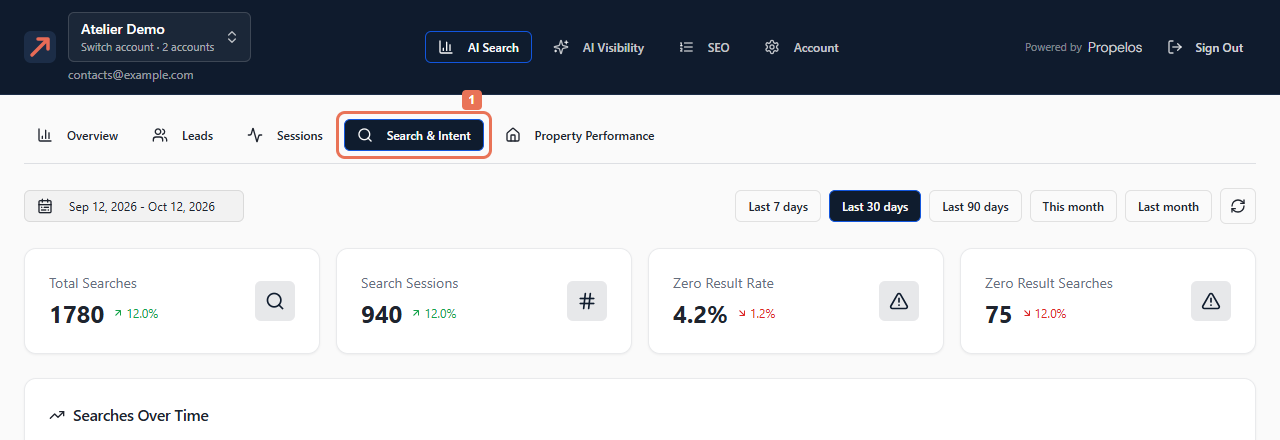 Select the image to view it full size.
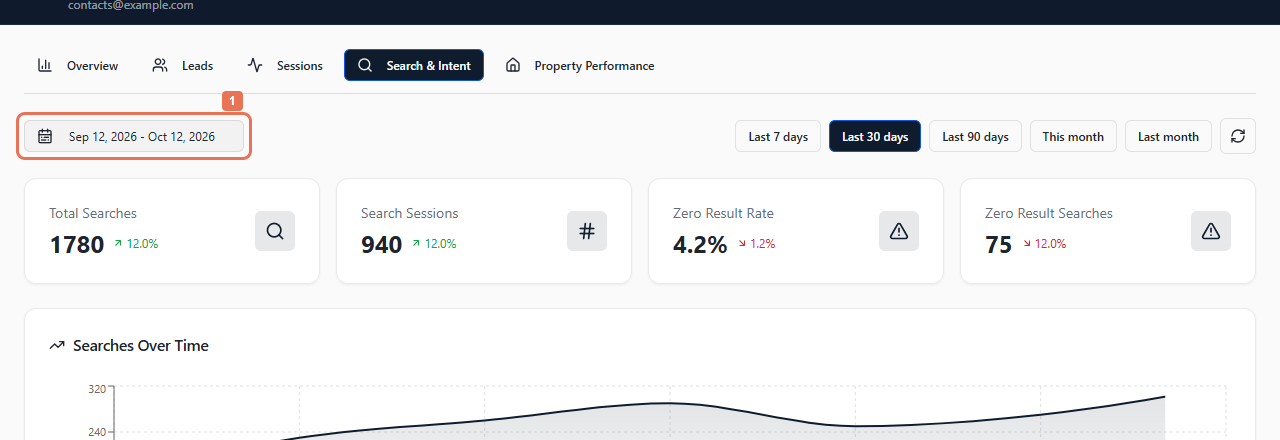 Select the image to view it full size.
2. Compare common and unsuccessful searches
Read the search totals and Zero Result Rate, then Top Searches. Compare Count, Sessions, Avg Results and Zero %. Scroll to Zero Result Searches when shown.
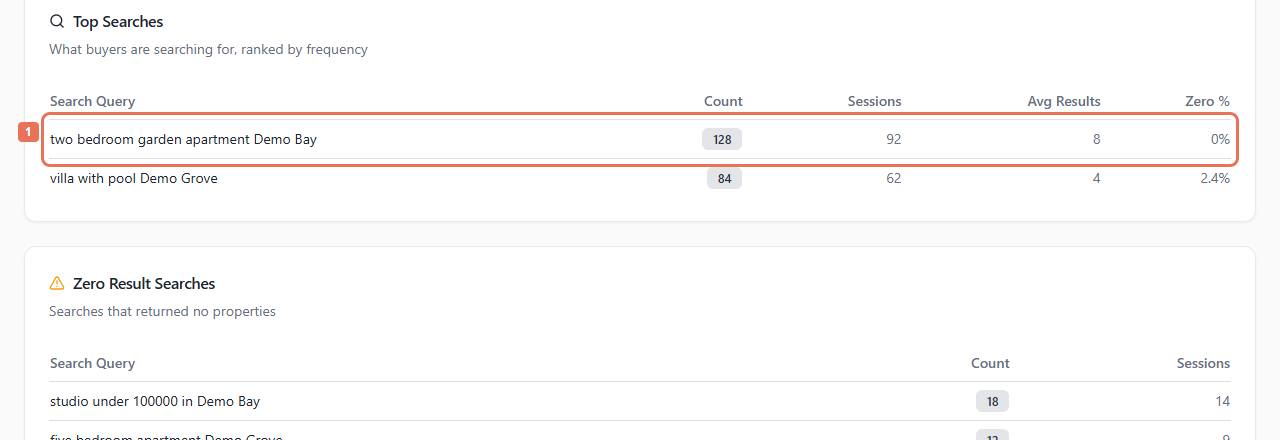 Select the image to view it full size.
Count includes repeated searches; Sessions counts visits making the request. The table shows up to 20 common searches.
3. Check demand against your listings
Compare Location Demand, Property Type Demand, Price Range, Bedroom Demand and Feature Demand. Use the refresh icon beside the dates to reload the report.
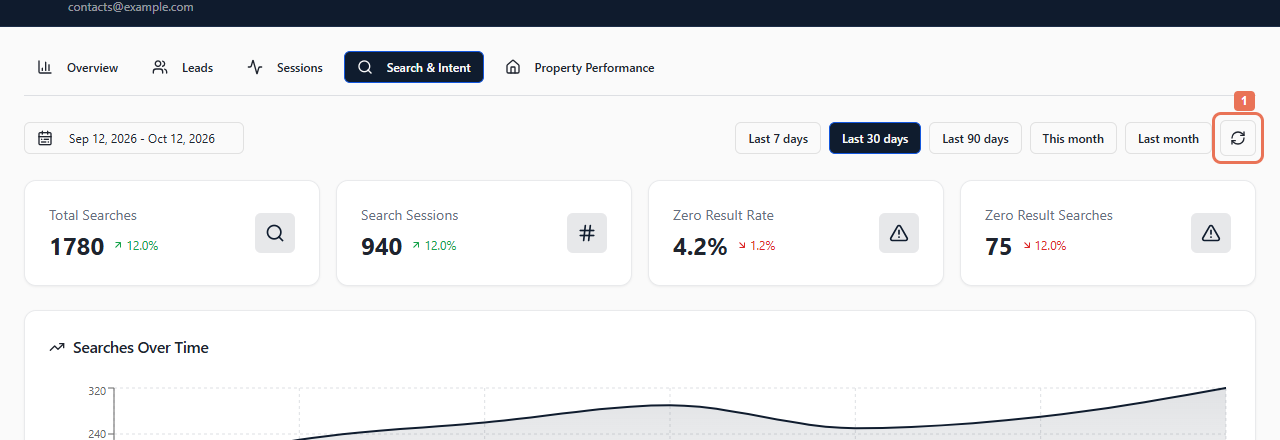 Select the image to view it full size.
A zero result can come from a narrow budget, location or combination of features. Check actual listing availability and Account → Listings before assuming a feed problem. If an available home repeatedly fails to appear, send Propelos the search wording, period and property reference. Change property facts in the listing source.