
More in AI Search analytics
PROPELOS PARTNER PORTAL GUIDE
Review Finder session engagement
Compare session volume, messages, duration, traffic sources and the most engaged visits.
Accounts with AI Search
In this guide
Use AI Search → Sessions to compare how long visitors stay, how much they chat and which visits become enquiries.
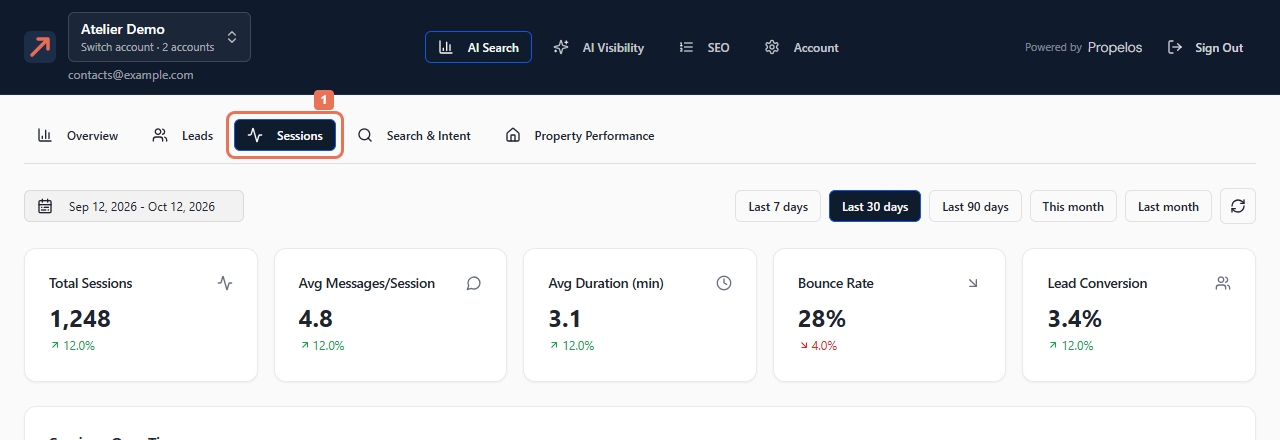
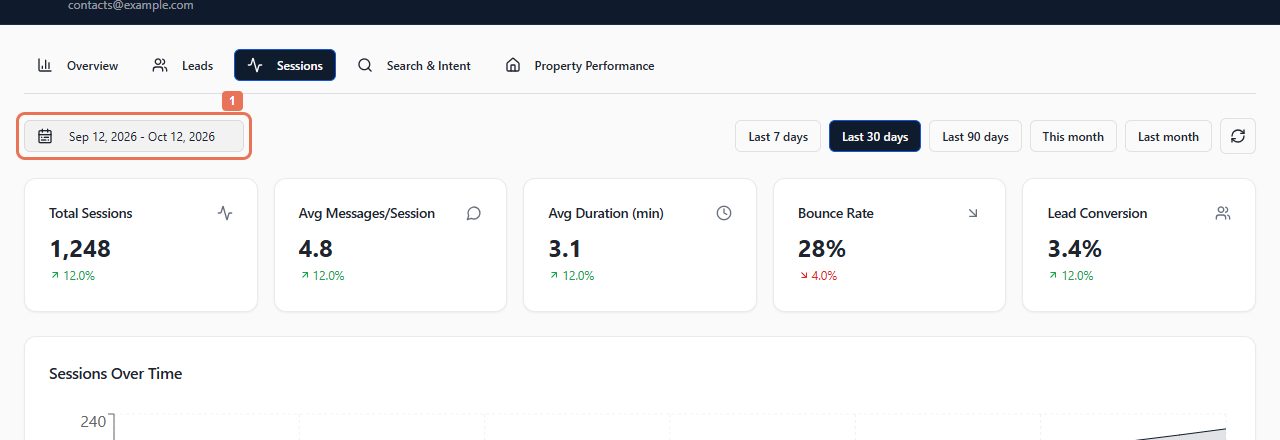
1. Open Sessions and choose dates
Select Sessions, then a date preset or complete date range.
 Select the image to view it full size.
 Select the image to view it full size.
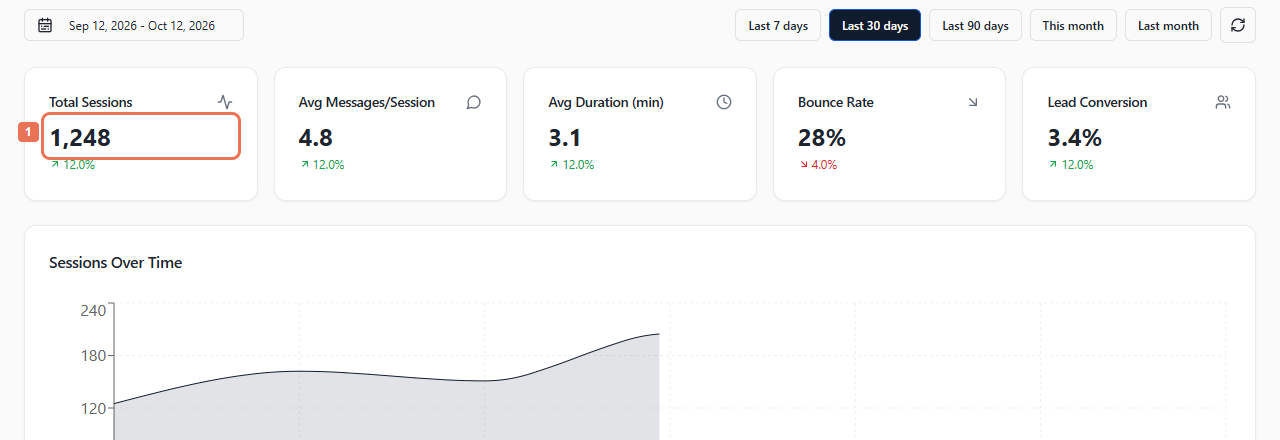
2. Compare engagement and traffic
Read Total Sessions, Avg Messages/Session, Avg Duration (min), Bounce Rate and Lead Conversion. Scroll through Sessions Over Time, traffic breakdowns, message counts and duration distributions.
 Select the image to view it full size.
Country is an estimated visitor location. Hour and weekday charts help identify busy periods; breakdowns compare sources, devices, browsers, landing pages and referrers.
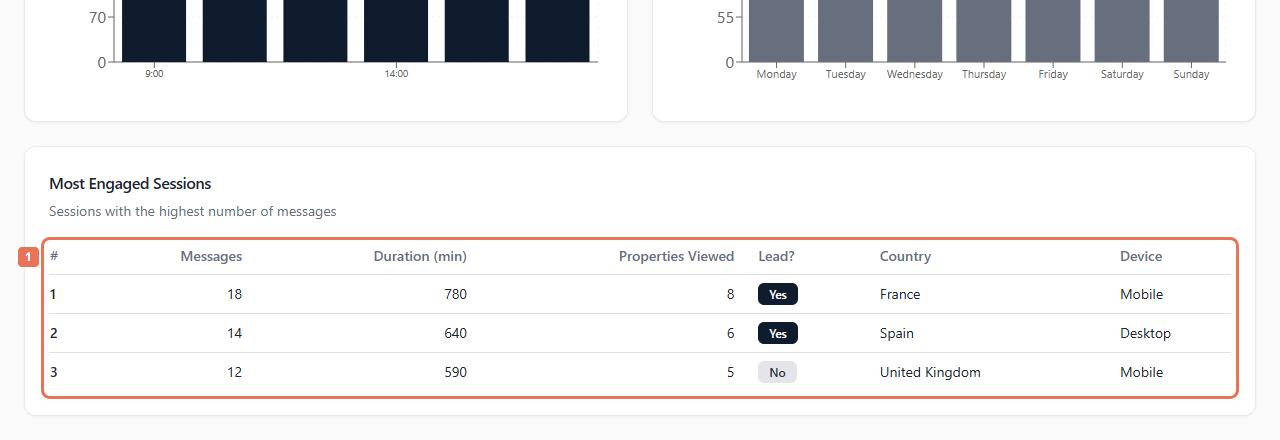
3. Review the most engaged visits
Find Most Engaged Sessions. Compare messages, duration, property views and the captured-lead indicator. Use CSV on populated breakdown cards to download their data.
 Select the image to view it full size.
The session table does not open a transcript. To read a saved enquiry conversation, open it in Leads. Review Overview → Direct Contact too: a call or WhatsApp tap can happen without a chat message.