
More in Account and integrations
PROPELOS PARTNER PORTAL GUIDE
Connect and check an outbound webhook
Save a receiver, choose events, test delivery and retry failed lead deliveries.
Accounts with AI Search
In this guide
Send selected account events to your receiving tool and test that it accepts them.
1. Enter the receiver
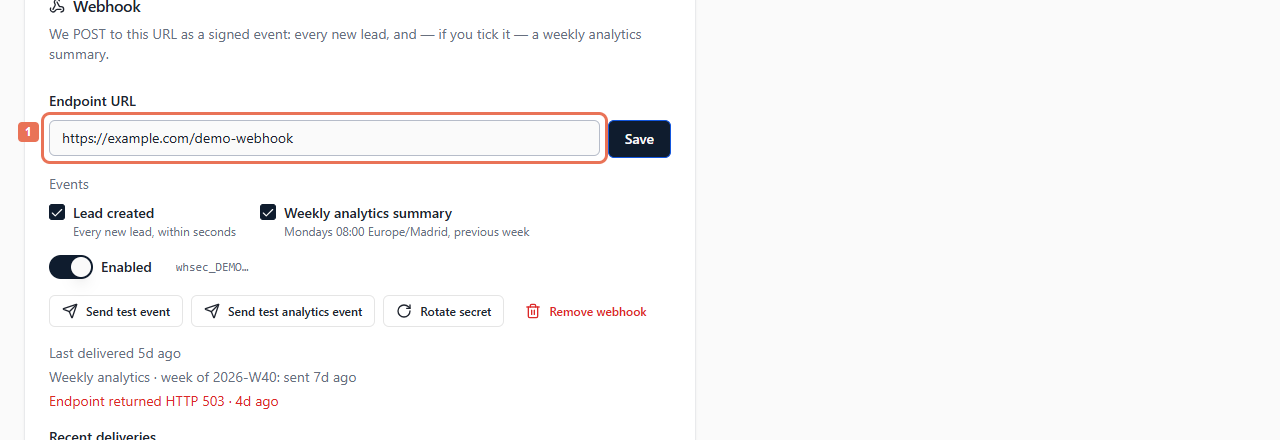
Prepare a public HTTPS endpoint using Account → API → Quick start → API documentation. In Webhook, enter Endpoint URL.
 Select the image to view it full size.
2. Select events and save
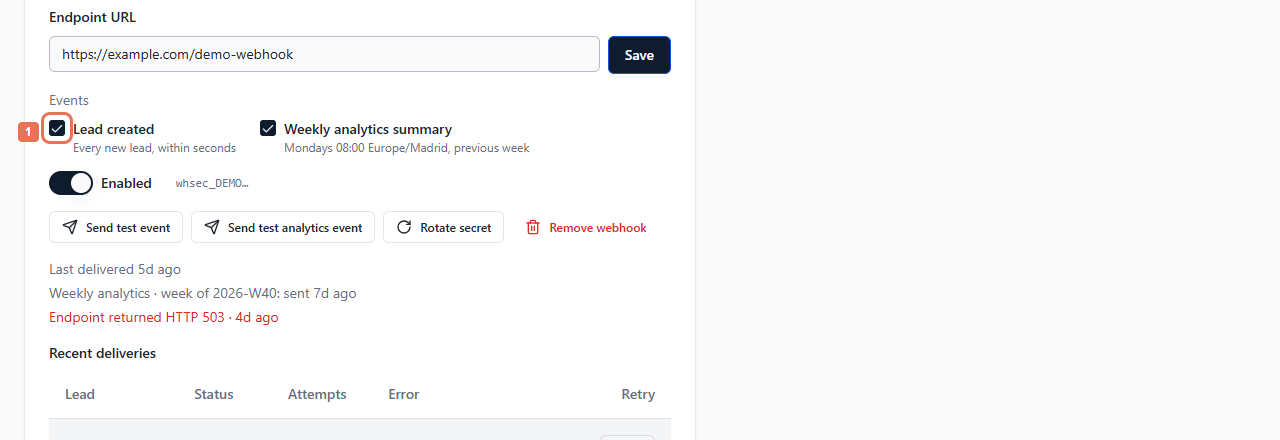
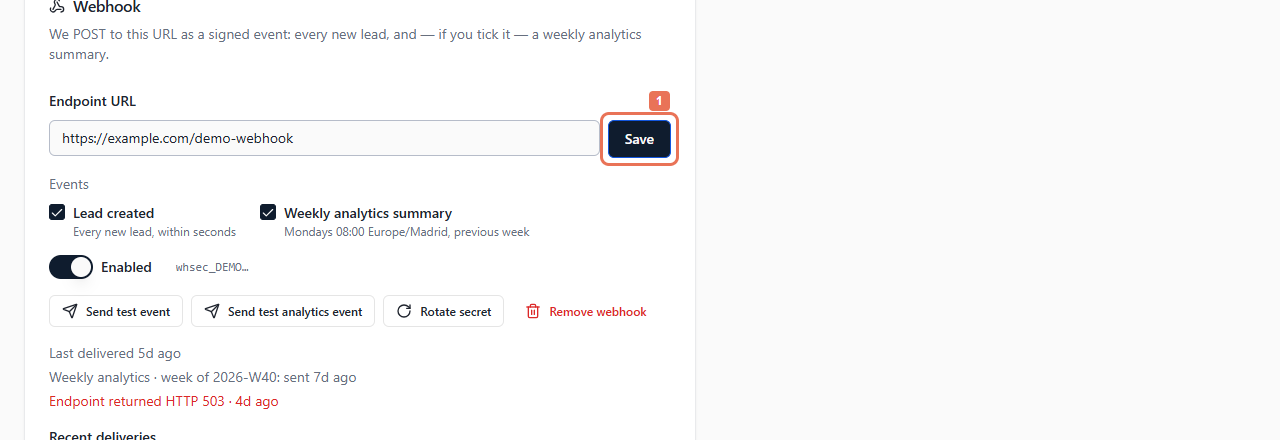
Choose Lead created, Weekly analytics summary, or both. Select Save, then copy the signing secret when revealed and configure your receiver to verify signatures. It is shown only once.
 Select the image to view it full size.
 Select the image to view it full size.
Check Enabled. New leads send shortly after capture. Weekly analytics sends the previous week's summary Monday at 08:00 Europe/Madrid, independently of personal report emails. URL, event and enabled changes need saving.
3. Send a test
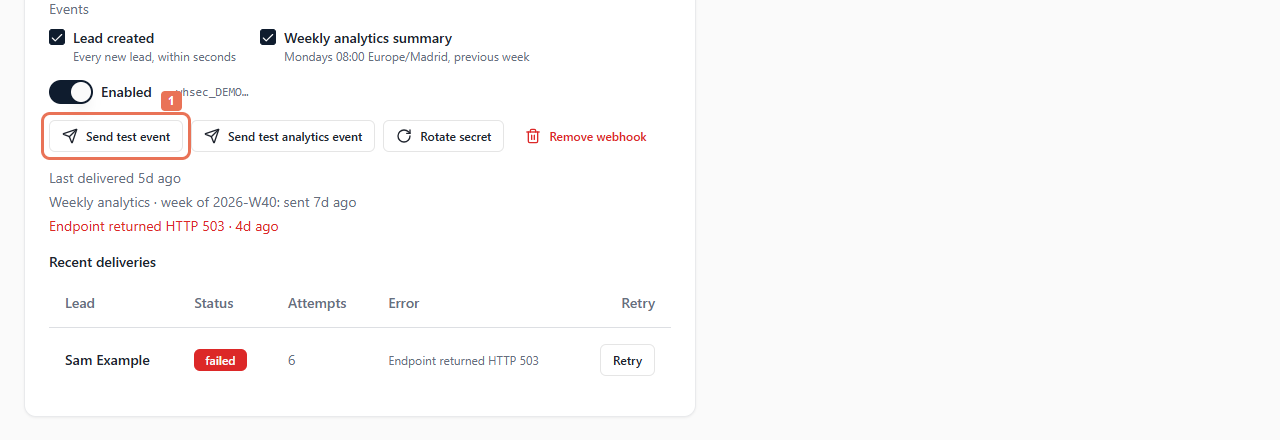
With settings saved, select Send test event, or Send test analytics event for a subscribed analytics webhook. Check the portal result and receiver.
 Select the image to view it full size.
Tests use saved settings, are disabled while edits need saving and do not create real leads or Recent deliveries entries. A successful test updates Last delivered and clears the webhook error status, so that time alone does not prove a real lead was delivered. Receiver acceptance does not establish a later CRM import; confirm there too.
4. Review and retry failures
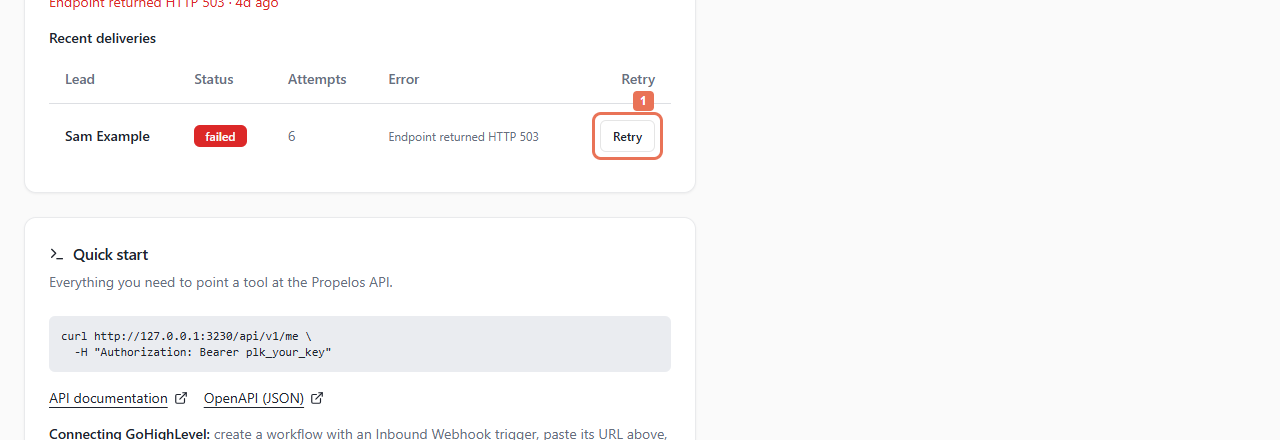
Read Last delivered, analytics status and Recent deliveries. The list shows only the newest 20 lead webhook deliveries. Correct a failed lead's receiver problem, then select Retry on its visible row. Only failed rows in this list offer Retry; pending rows and older deliveries outside the list do not. A retry may deliver, fail, be scheduled or already be processing.
 Select the image to view it full size.
5. Rotate or stop delivery when needed
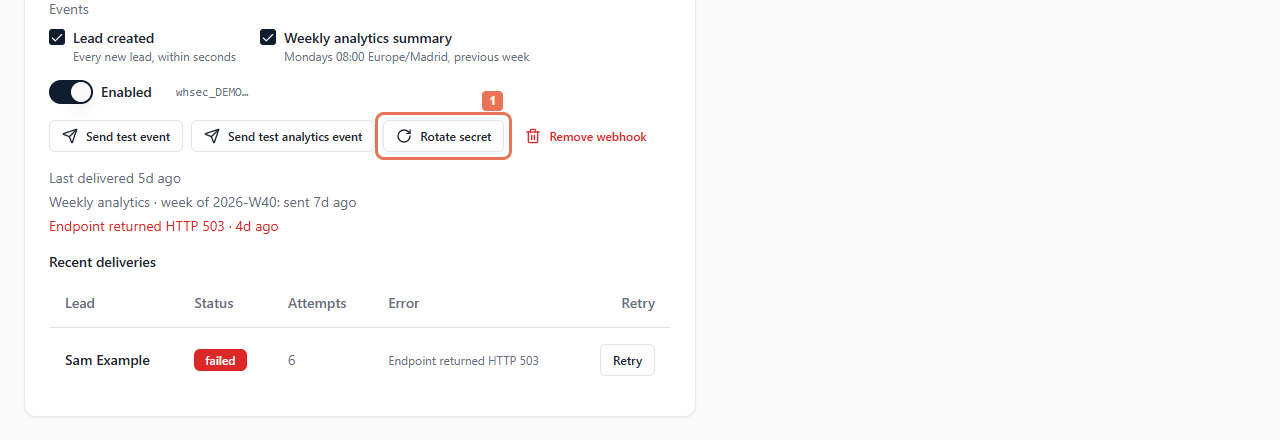
For a new secret, select Rotate secret and confirm. The old secret stops immediately: copy the new one and update your receiver straight away.
 Select the image to view it full size.
 Select the image to view it full size.
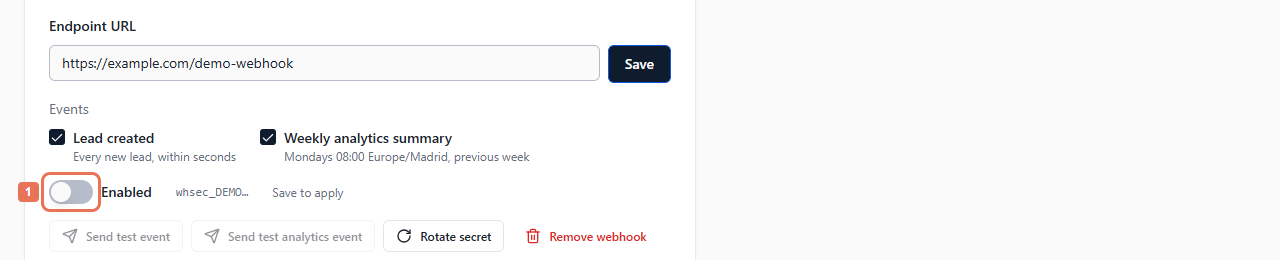
To stop delivery, switch Enabled off and Save. Events that occur while it is disabled are skipped, not held for later delivery. Pending deliveries attempted while it is disabled also stop; switching it back on does not automatically replay them.
 Select the image to view it full size.
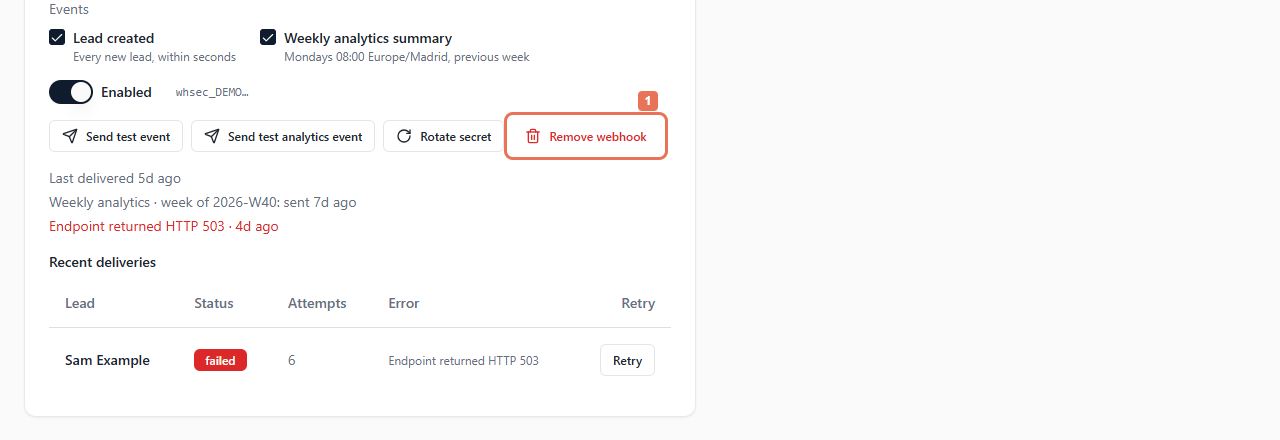
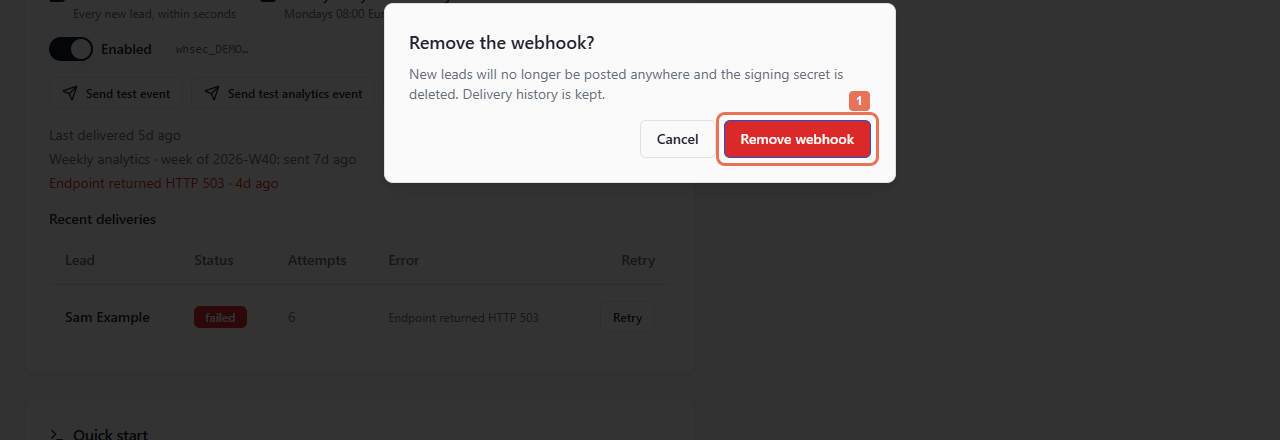
To remove the receiver permanently, select and confirm Remove webhook. New delivery stops and the secret is deleted; history remains.
 Select the image to view it full size.
 Select the image to view it full size.
Configure the receiver to tolerate duplicate events using the API documentation.