
More in Troubleshooting
PROPELOS CMS GUIDE
Fix save errors and missing editing controls
Use the visible error to fix required fields, photo replacement and translation problems.
CMS editing screens
In this guide
Start with the message beside the field or at the top of the editor when a save fails. A missing editing control needs a different check from a failed save.
Validation errors
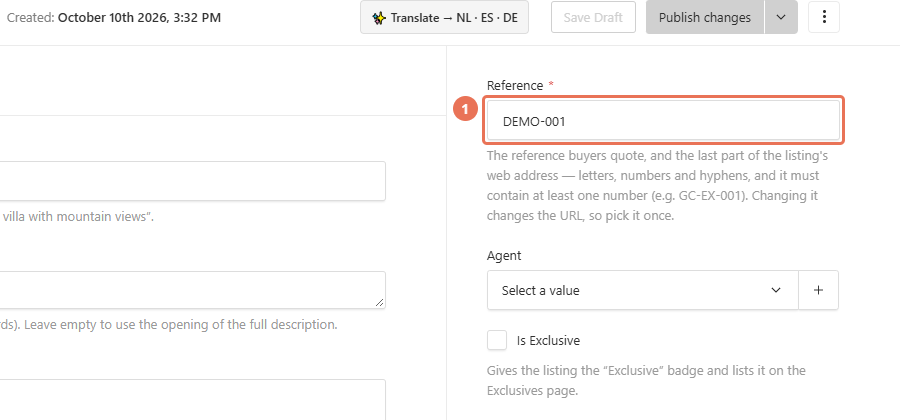
If saving reports a validation error, expand the section mentioned in the message and complete its required fields. Keep any reference or slug unique; for a manual property reference, use letters, numbers and hyphens and include a digit.
 Select the image to view it full size.
Image replacement refused
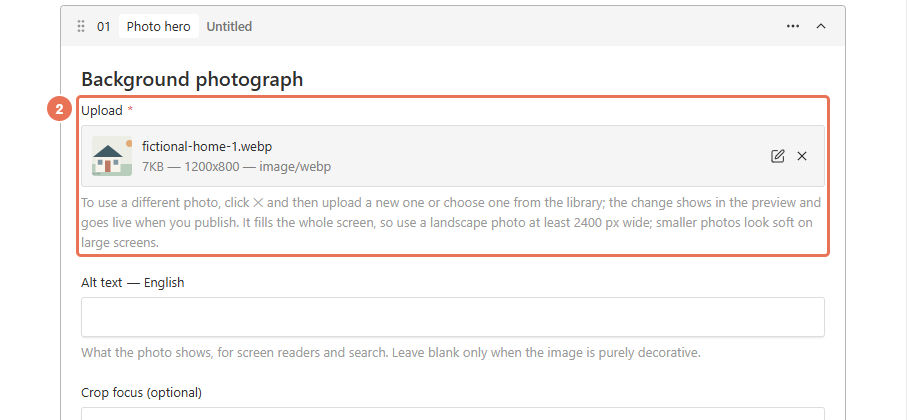
If replacing an image file is refused, return to the page’s image field. Click ×, then Create New to upload an image or Choose from existing to select another image; the pencil opens settings for the image shared by other pages.
 Select the image to view it full size.
Translation failed
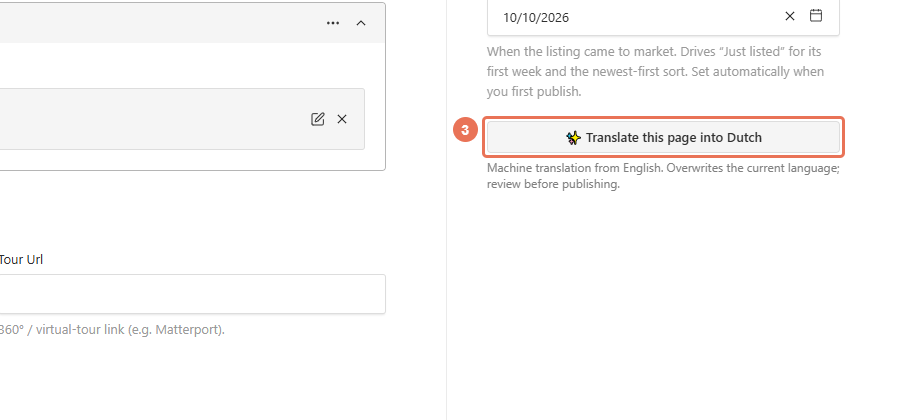
If translation reports a failure, save the English version before trying again. Use the Locale menu at the top right to choose each website language you are editing and review the results; retry failed languages separately from successful ones.
 Select the image to view it full size.
Saving still fails
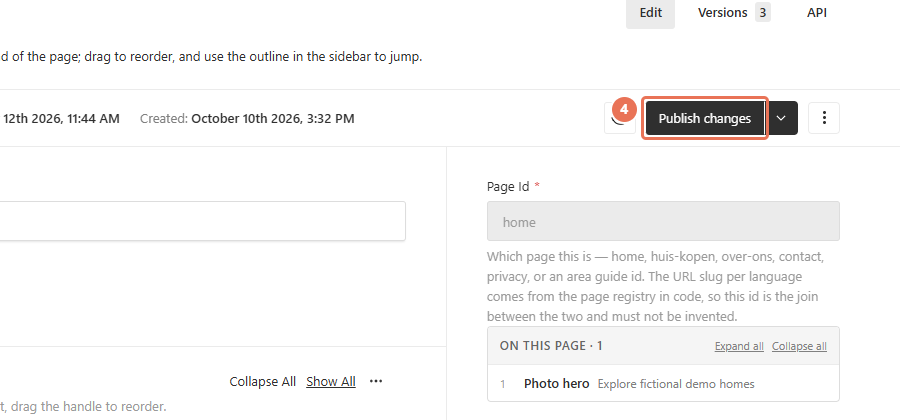
If saving still fails after you correct the error, wait until any save in progress finishes, correct the highlighted field, then save once. On a page, autosave keeps your draft while you edit; use Save Draft if shown and Publish changes when the content is ready.
 Select the image to view it full size.
Missing controls
Menus and fields follow your website’s features. A fixed gallery layout, a locked design or a read-only Page Id is intentional; a newsletter list appears only for a newsletter signup or existing subscribers. The Locale menu can list languages your website does not publish, so use one of your website’s active languages. If you need a control or access that is missing, use Get Help with the section name and visible error. Do not create duplicate pages to work around a failed save.