
More in Getting started and access
PROPELOS CMS GUIDE
Reset your password or recover access
Request a password reset from the CMS sign-in page and use the latest email link.
Applies to
Anyone with a CMS account
In this guide
Use a password reset if you have forgotten your CMS password or need a fresh password-setting link.
1. Open Forgot Password
On your CMS sign-in page, click Forgot Password.
 Select the image to view it full size.
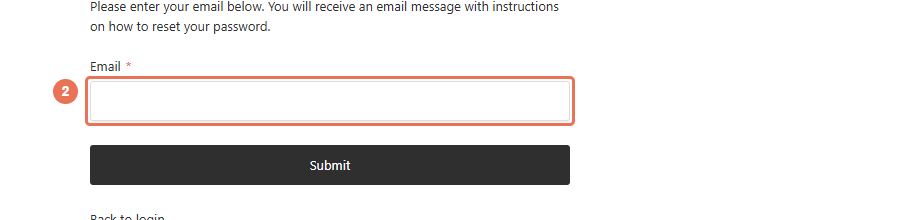
2. Enter your email
Enter the email address used for your CMS account in Email.
 Select the image to view it full size.
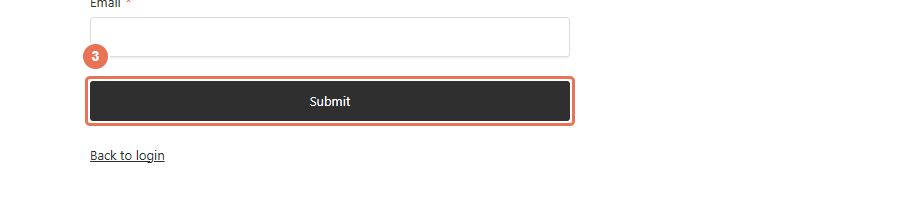
3. Request the reset email
Click Submit, then check your inbox and spam folder.
 Select the image to view it full size.
Open the latest reset email and follow its link to choose a new password. If the link has expired, request another reset. If no email arrives, contact Propelos with your account email and CMS address. Do not send your password or reset link.
Need more help?Get help ↗